
Free Typing Practicetouch typing, timed tests & business phrasestype faster for real work
Start with home-row fundamentals, move into touch-typing drills, and check your speed with free typing tests. KeyboardGym also includes a work-style chat mode when you want something more practical than generic word streams.
Compare your score with other people taking the English-language courses.Your monthly rank appears as soon as you finish a session. No nickname required.
Recommended
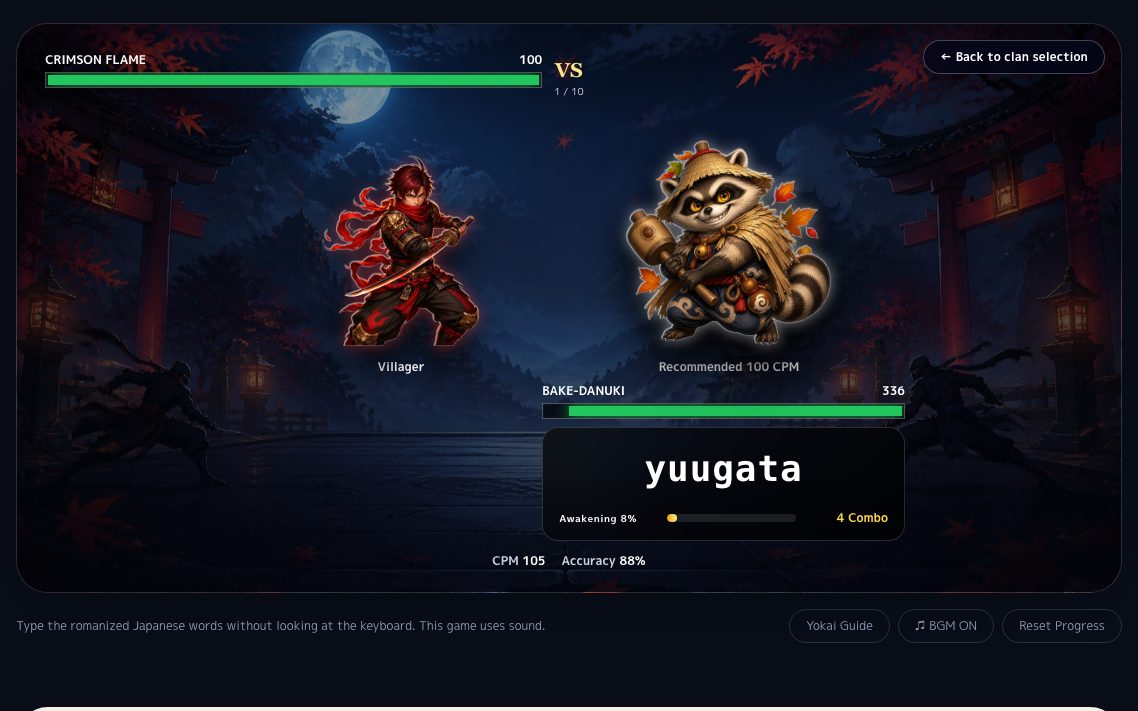
Ninja Typing Battle
A free anime-style typing game. Defeat 10 yokai and become a legendary ninja.
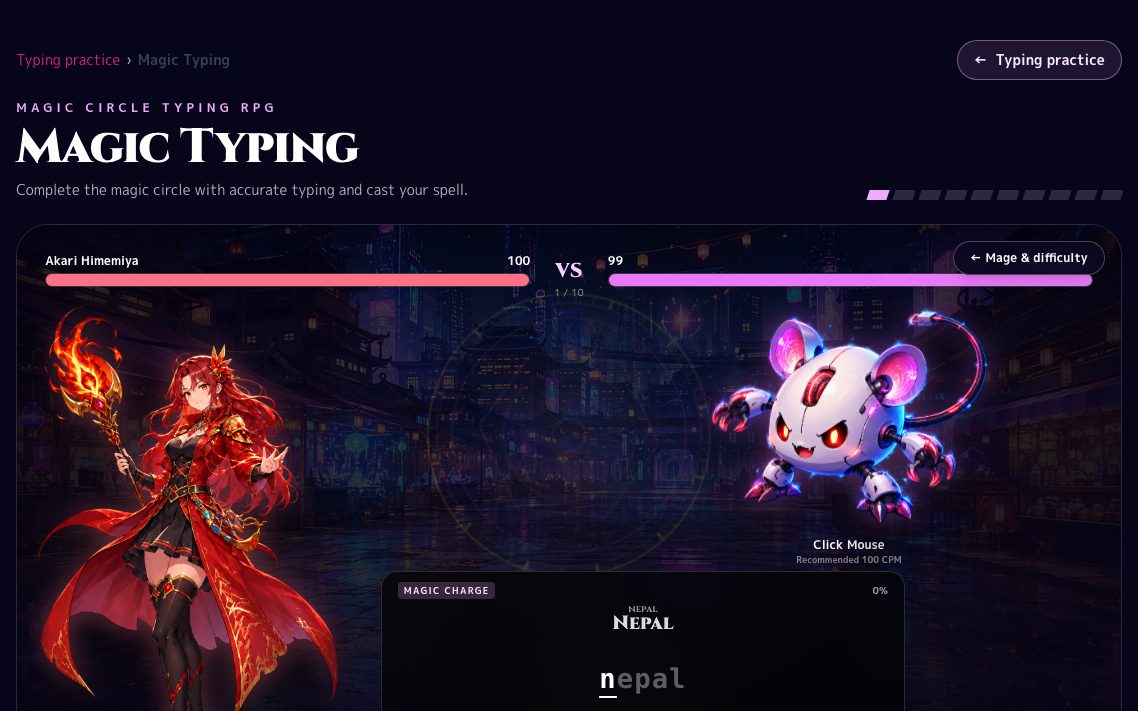
Magic Typing
Magic Typing is a free fantasy typing RPG where accurate input charges a magic circle. Choose one of three mages, rescue ten gadget monsters and improve accuracy through a complete ten-chapter story.
The clearest three-step start
For first-time typing users, this keeps the path simple: learn the home row, build touch-typing accuracy, then measure it with a short timed test.
1. Learn the home row visually
Seeing ASDF / JKL; and the F/J bumps first removes most beginner hesitation.
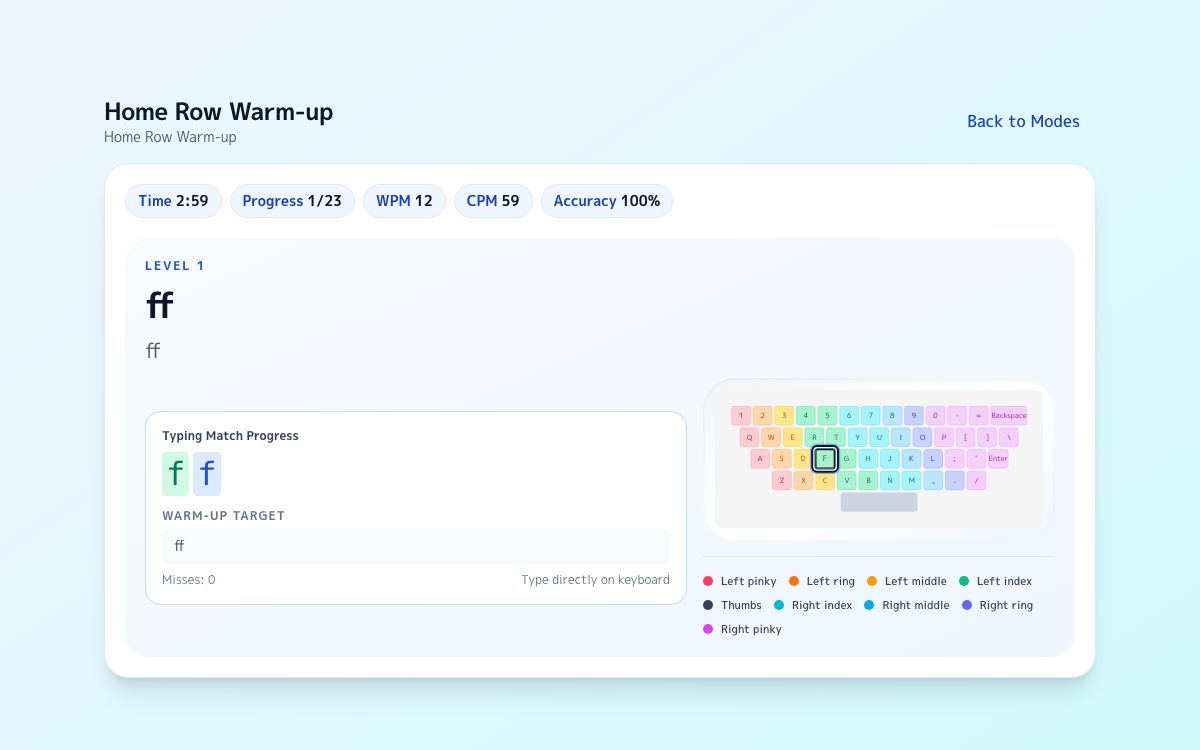
2. Loosen up with warm-up drills
Use short home-row prompts to make returning after each reach feel automatic.
3. Check your pace in 1 minute
Use a short timed test to see whether your home-row accuracy survives at practical speed.
All 18 practice modes
Grouped into four goals, so you can jump straight to the mode you need.
Build the basics
View this category →Start here if you still look down at the keys, or if you are on a phone.
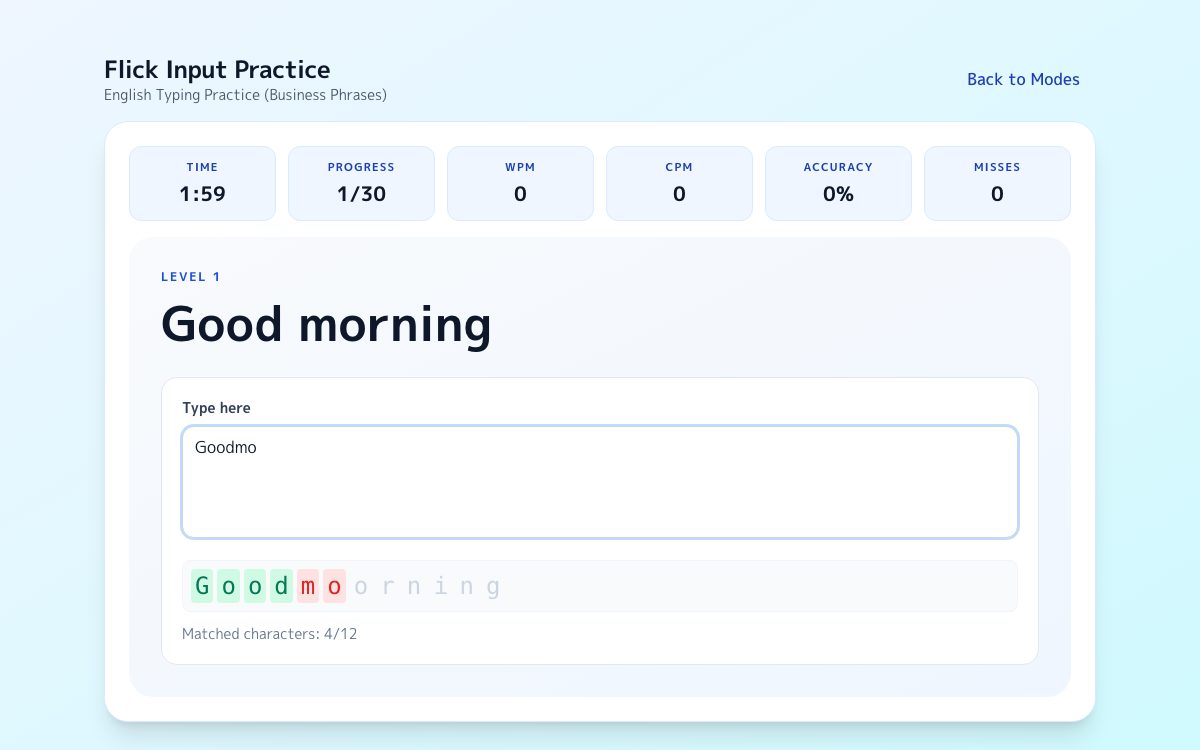
Practise real writing
View this category →Drills built from the sentences you actually type at work.
Measure your speed
View this category →One minute shows your speed. Five minutes shows whether it holds.
Practise with games
View this category →For when you want to type in a game format. Play with a keyboard, or the on-screen keyboard on a phone.
- Home Row Rhythm
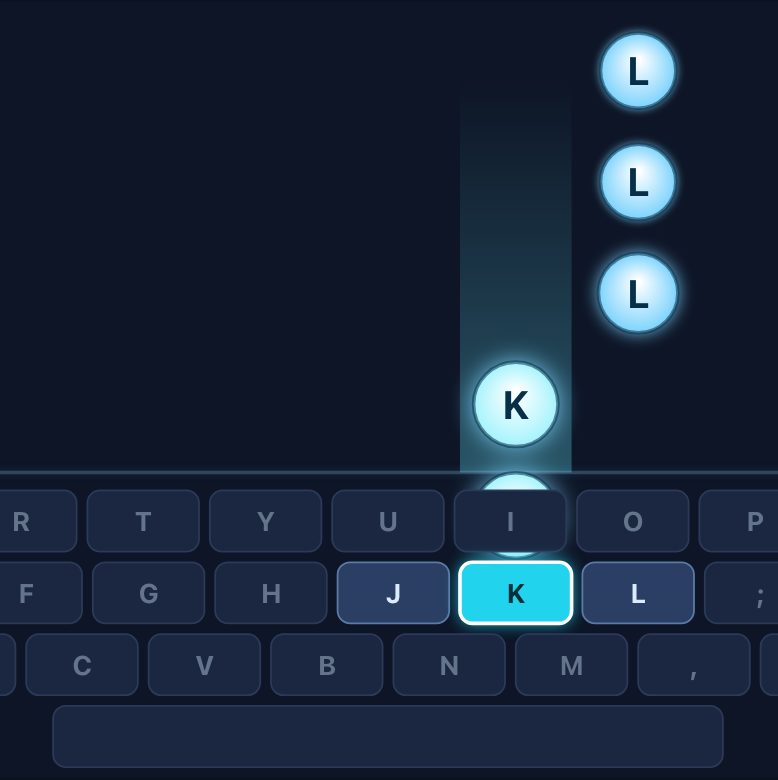
Each letter falls straight onto the key you have to press. Hit it as it crosses the line. Start on the home row and work out to every key.
- Robot Typing Battle
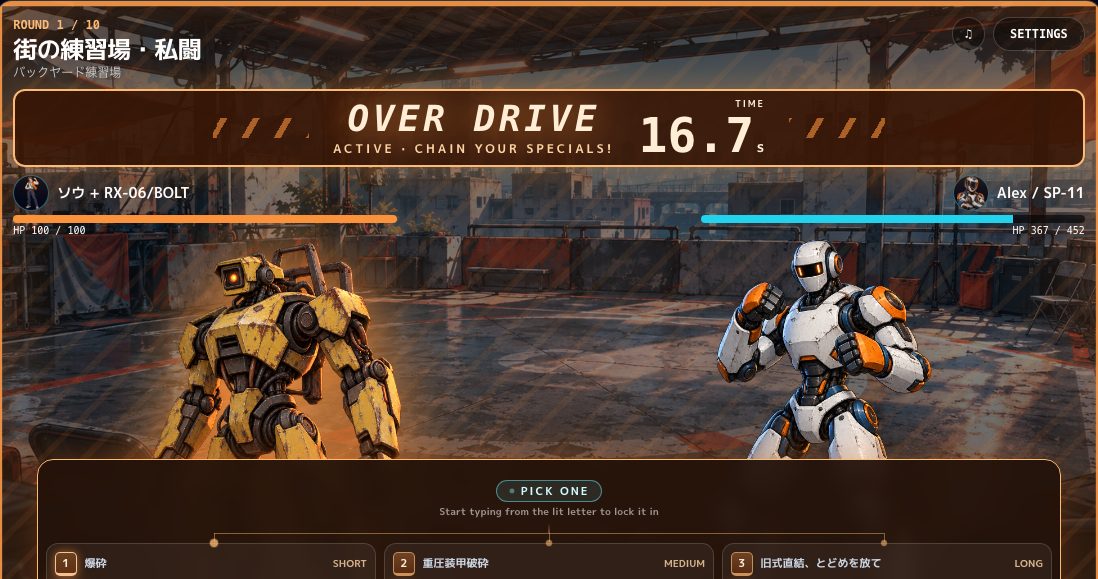
Choose Sou or Nagi and type your way from the United States circuit to the world final in an obsolete robot.
RPG - Magic Typing
Magic Typing is a free fantasy typing RPG where accurate input charges a magic circle. Choose one of three mages, rescue ten gadget monsters and improve accuracy through a complete ten-chapter story.
RPG - Ninja Typing Battle
A free anime-style typing game. Defeat 10 yokai and become a legendary ninja.
RPG - Ninja Typing Shooter
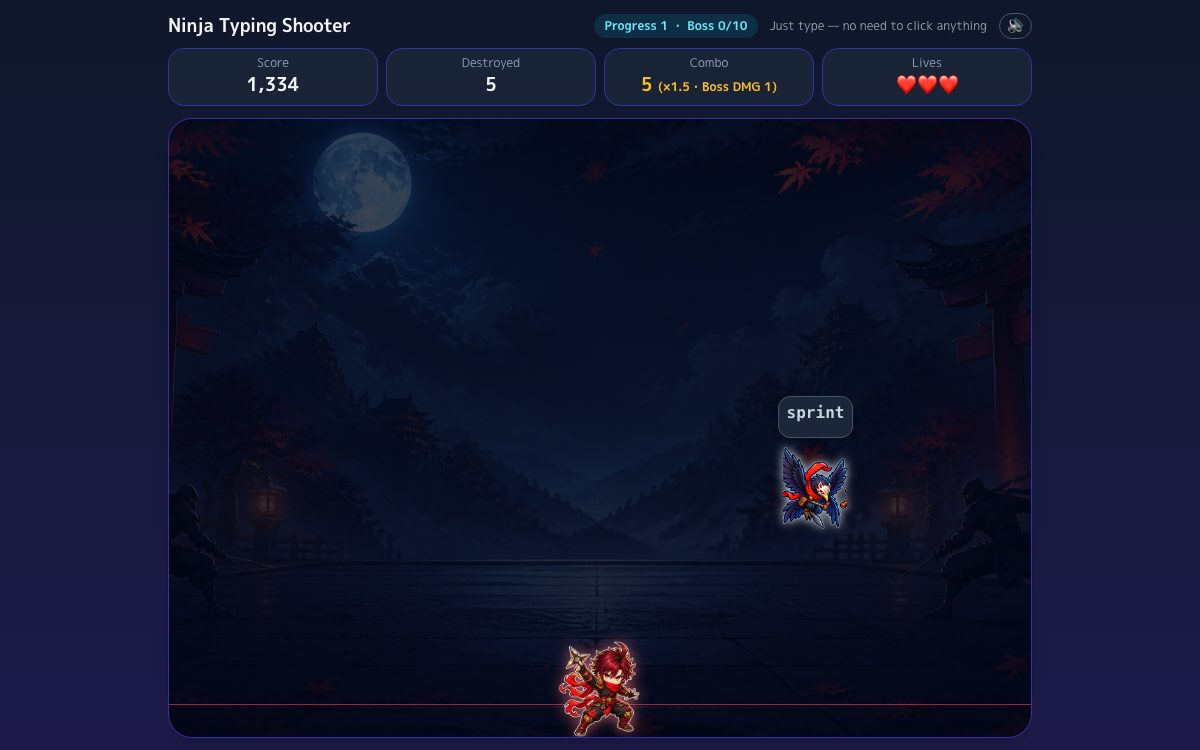
- Ninja Yokai Whack
- Ninja 100-Character Dash
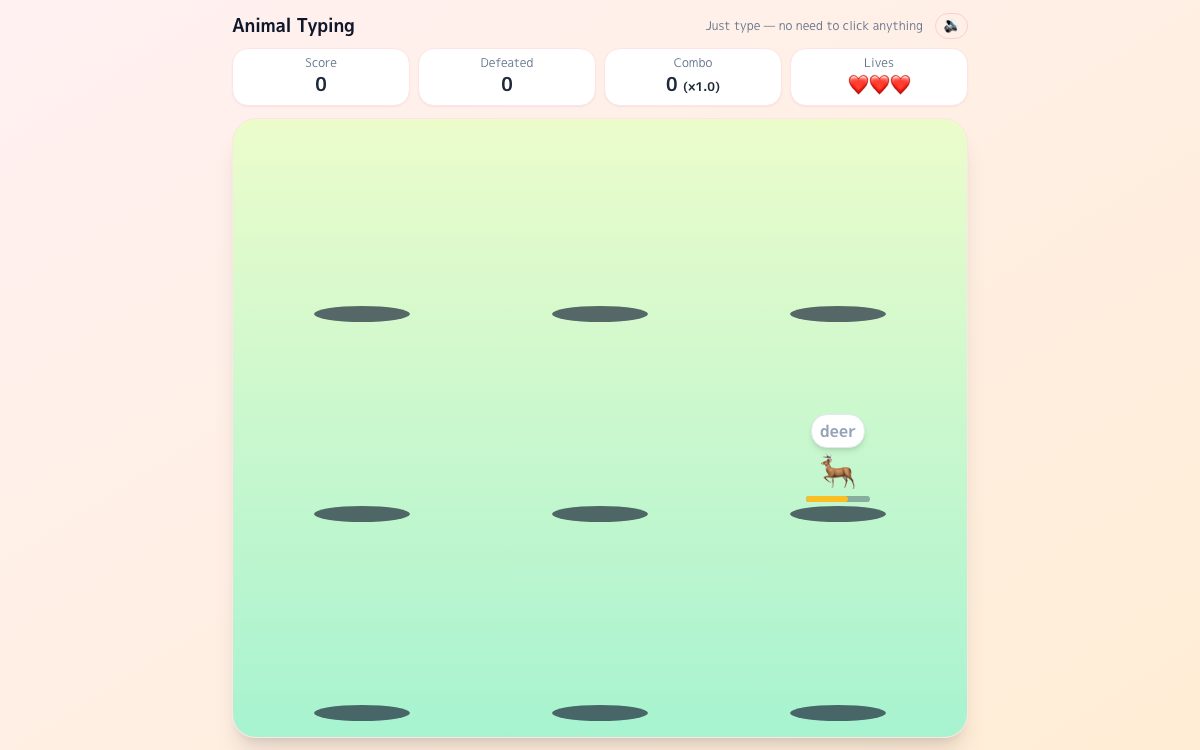
- Animal Typing
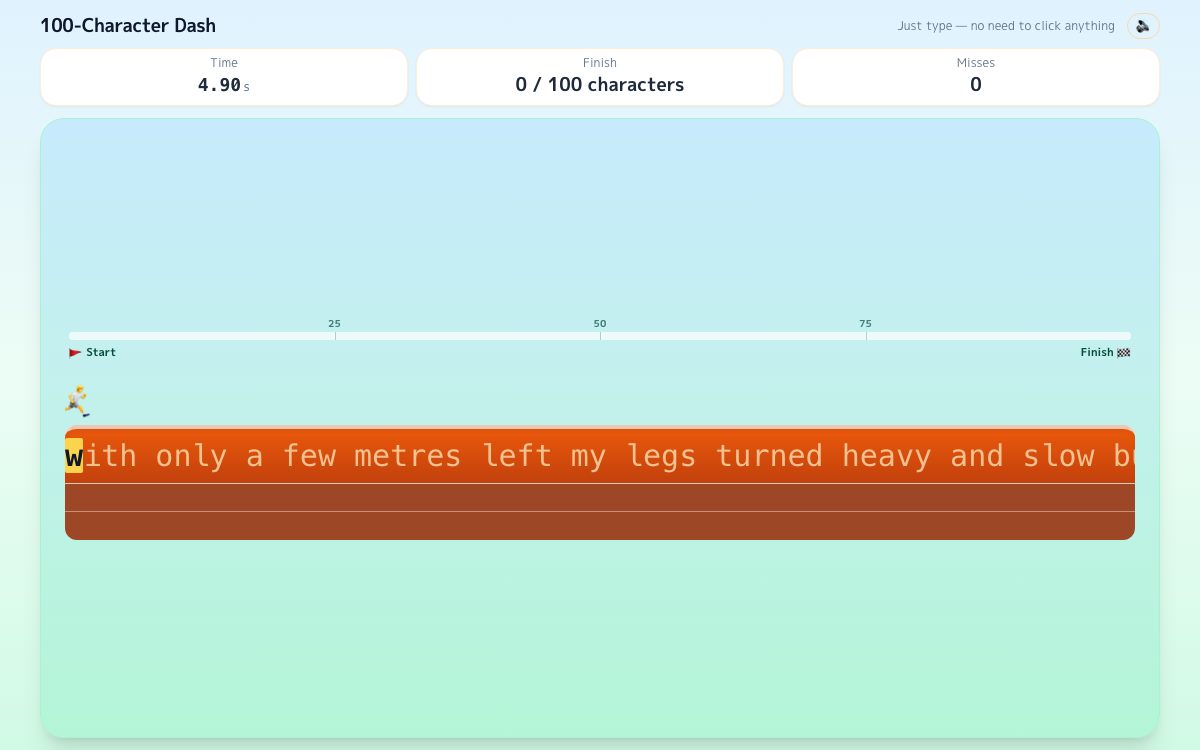
- Typing Race: 100-Character Dash
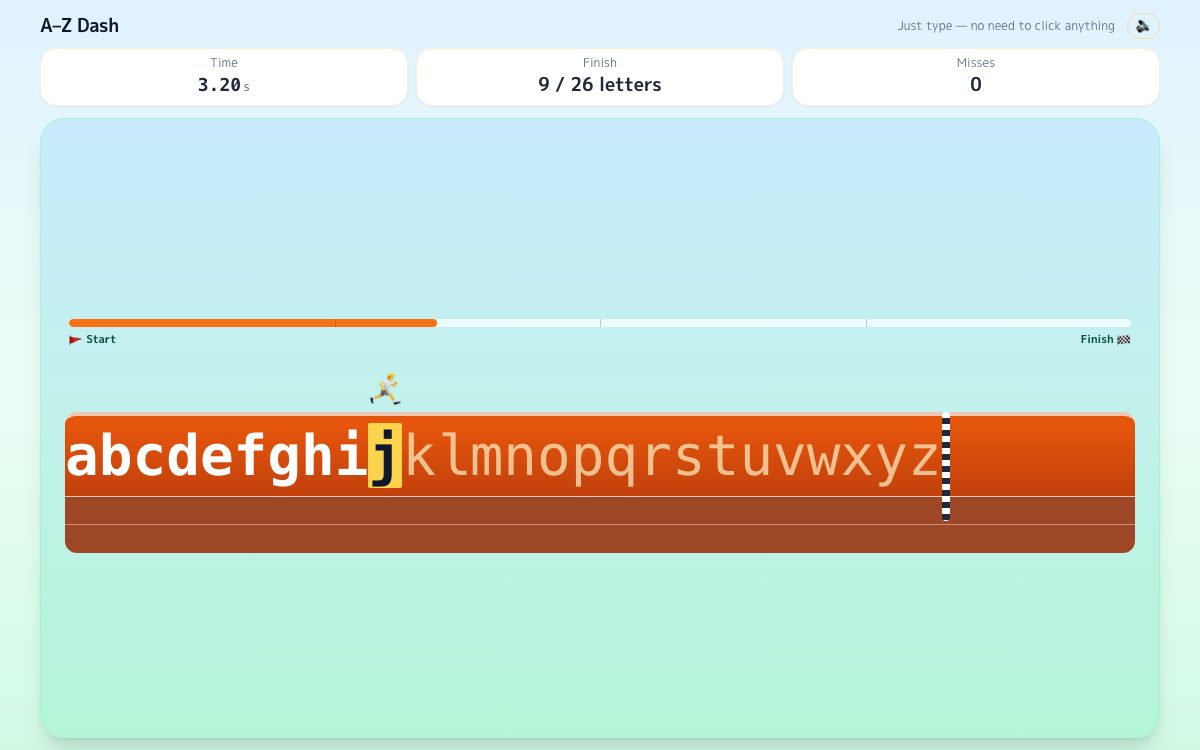
- A–Z Dash
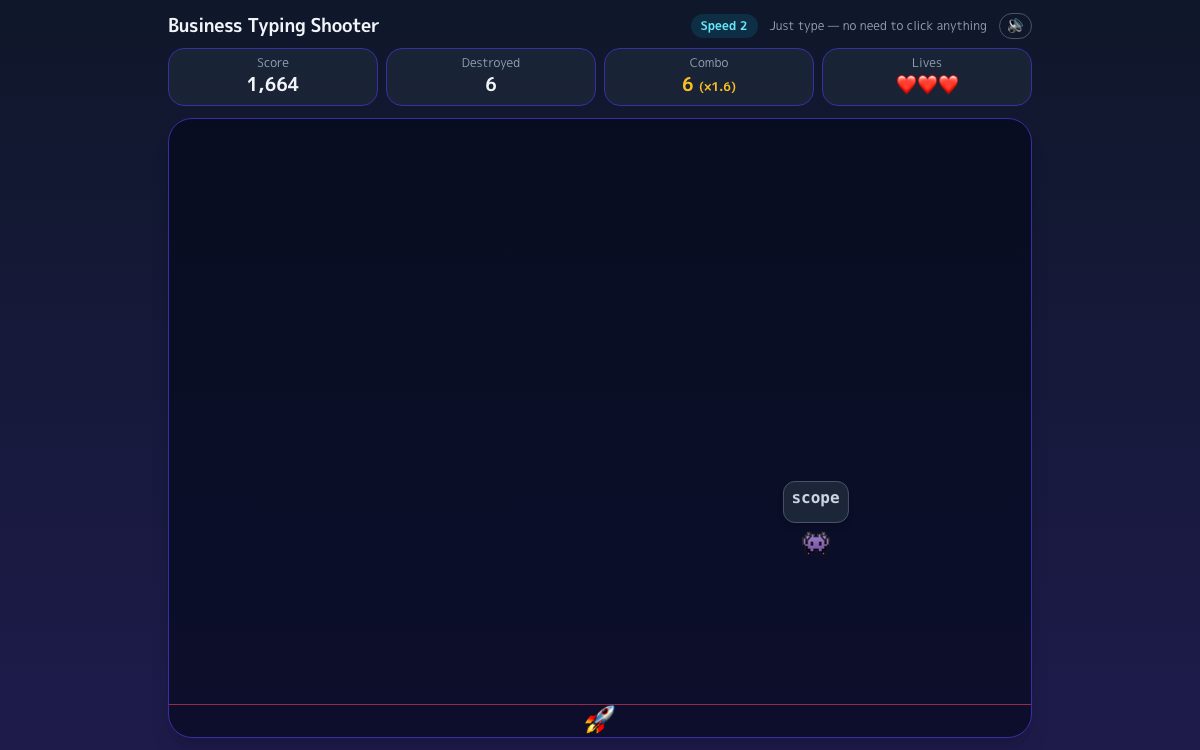
- Business Typing Shooter
Monthly English ranking
Every eligible session automatically enters the ranking for its practice course. Your rank appears the moment you finish. No name required.
Multiple practice entry points
Start with guided warm-up, then continue into blind touch typing, email phrases, or timed tests.
Typing skill rank
After practice, see WPM, CPM, accuracy, and a rank-style result that makes progress easier to read.
Mobile text input supported
Mobile practice checks the final entered text, so you can also train with your phone keyboard.
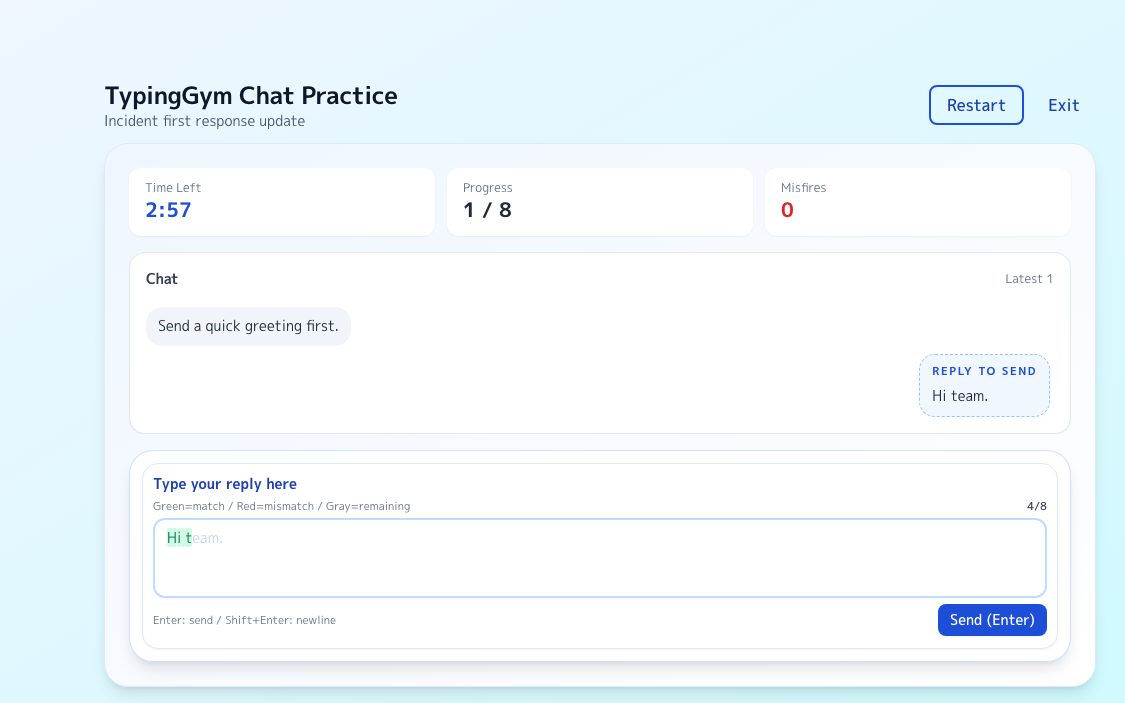
Chat-style challenge mode
Practice progress reports, issue updates, requests, and line breaks in a work-style chat flow.
Typing games included
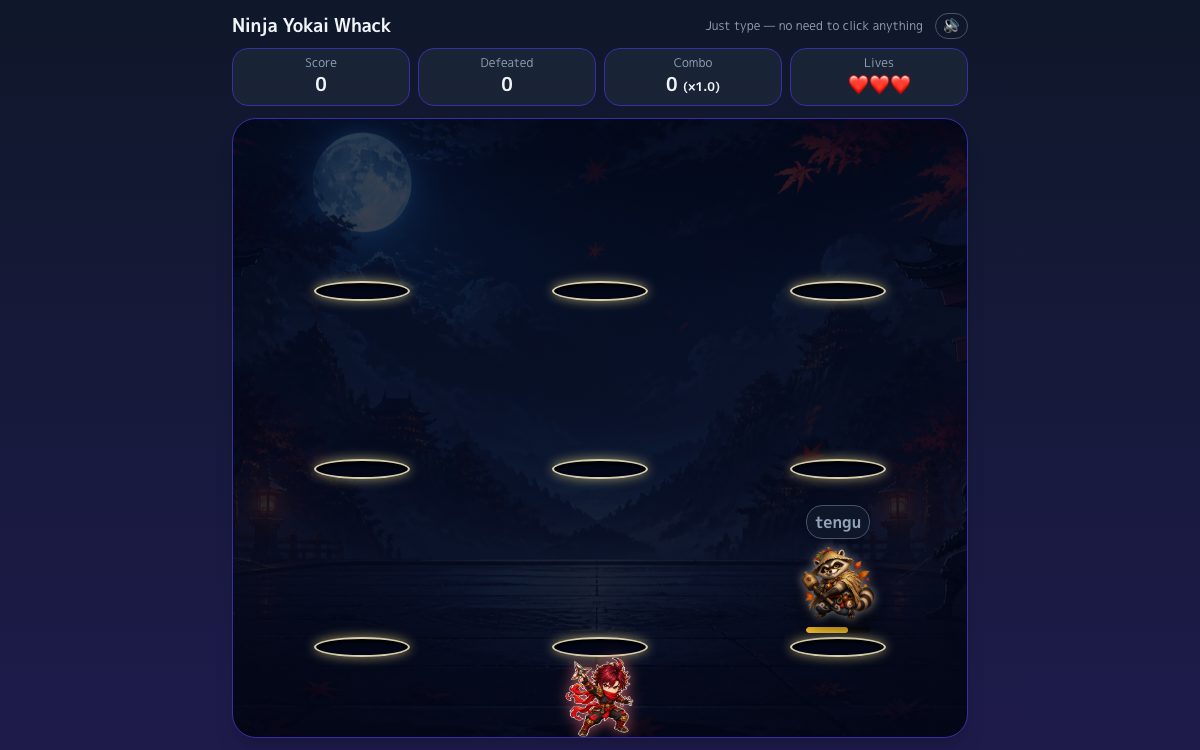
Shoot down falling business words, or clear animals whack-a-mole style, when you want to practice in a game format.
Most searched typing goals, mapped to one place
Use this hub for touch typing, typing lessons, free typing practice, WPM checks, speed tests, and adult-friendly drills.
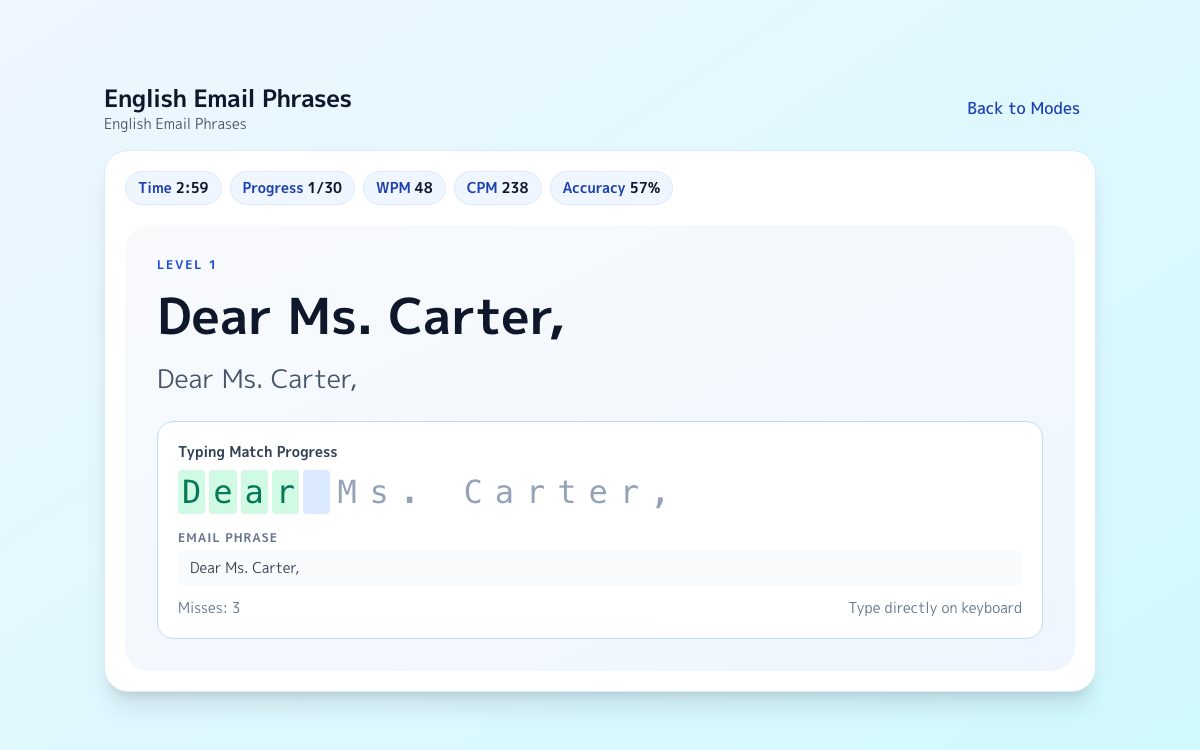
English Email Phrases
Practice professional greetings, polite requests, attachments, apologies, and closings.
Touch Typing
Start with home-row placement, finger return, and beginner-friendly drills.
Typing Lessons
Follow a simple lesson path from home row to accuracy, speed, and work-style input.
Typing Practice For Adults
Use practical phrases and business-style prompts instead of kid-focused vocab lists.
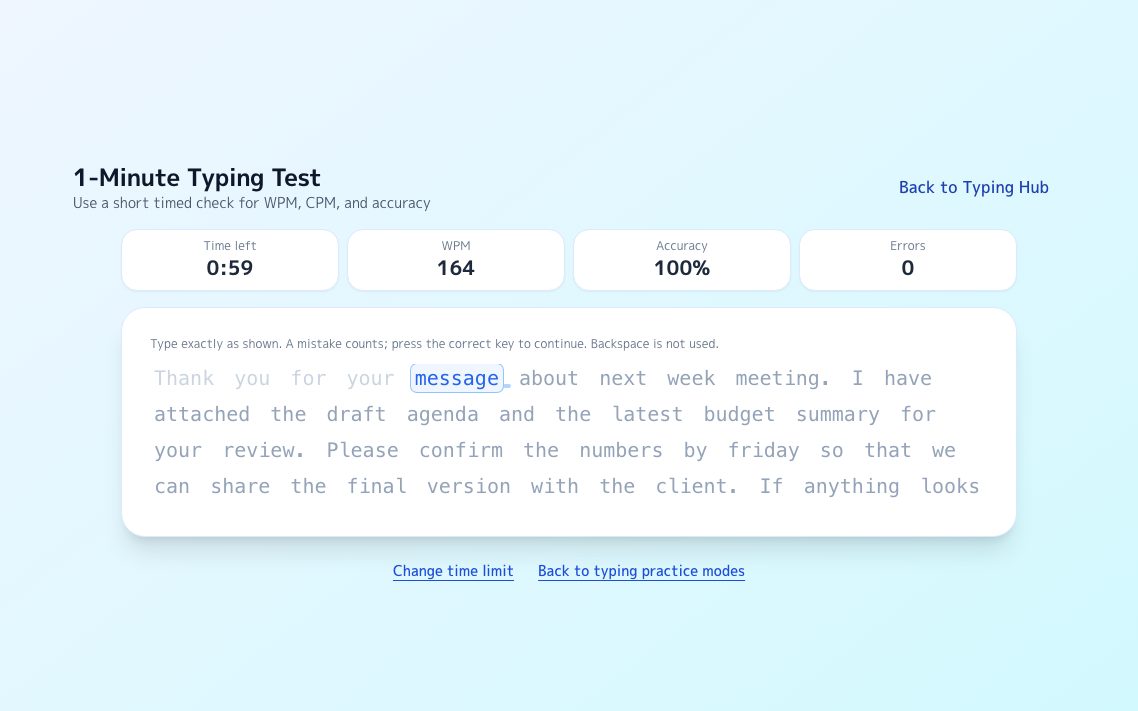
1-Minute Typing Test
Check short-burst speed and accuracy with a focused one-minute timed mode.
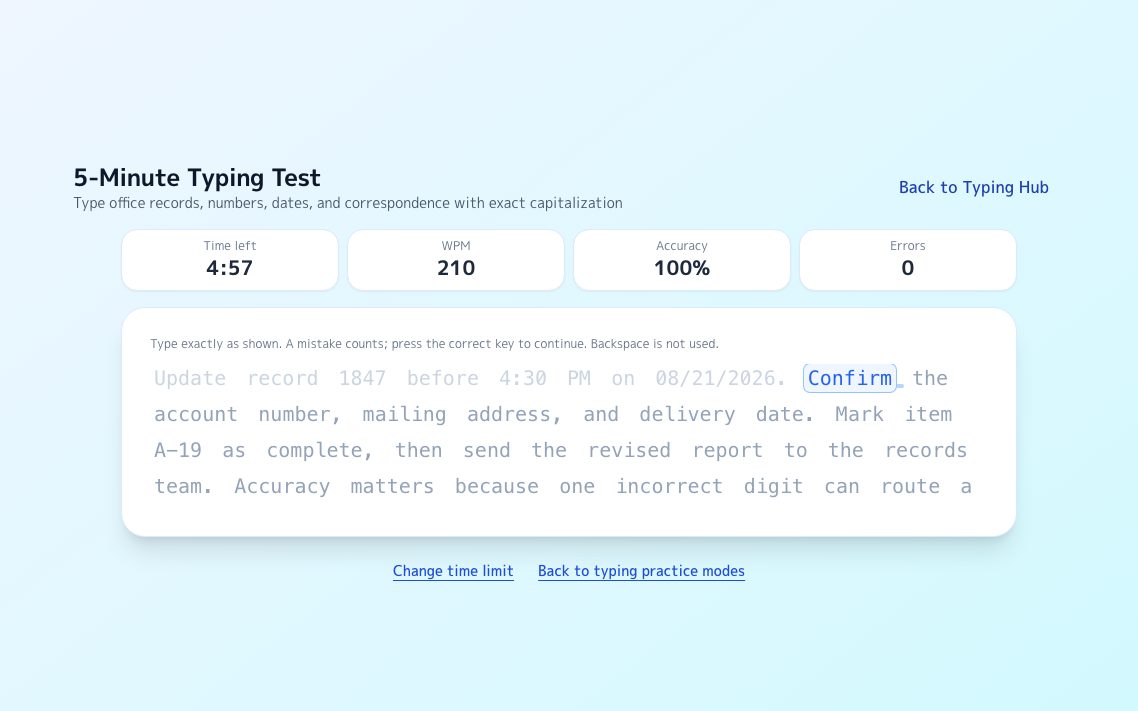
5-Minute Typing Test
Measure longer-form consistency, rhythm, and error control across more text.
Free Typing Lessons
A no-signup lesson path with home row, warm-up, practice, and speed checks.
Guides By Search Intent
Browse focused pages for home row basics, long text stability, business chat send keys, and source-backed WPM benchmarks.
English Email Phrases
Review greetings, polite requests, attachments, apologies, scheduling notes, and closings, then practice the same phrases.
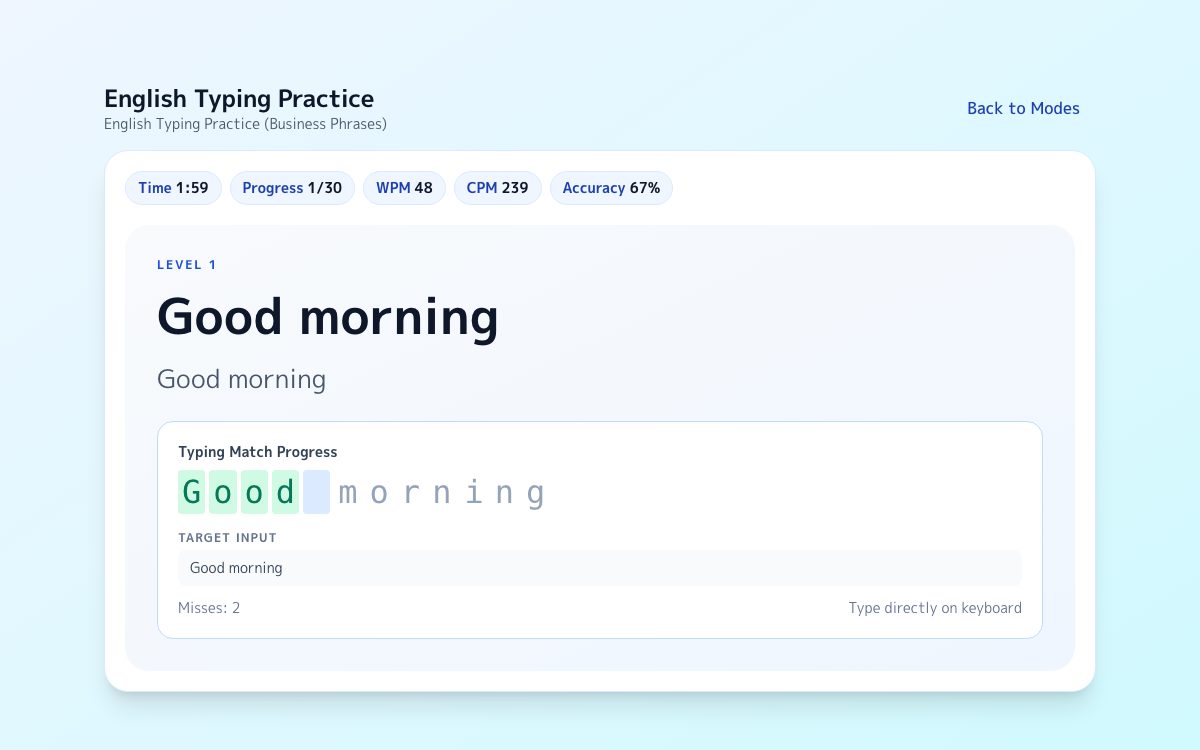
Business Phrase Practice
Type practical work phrases with exact matching, live WPM/CPM, and a result screen that shows accuracy and typing skill.
Home Row Fundamentals
Learn where to place your fingers, how to recover after Enter and Backspace, and how to make home row feel automatic.
Long Text Practice
Type a full passage without stopping. Continuous text scrolls as you type and reports WPM and accuracy after one or five minutes.
Business Chat Key Comparison
Compare Slack, Teams, Google Chat, and Chatwork send-key behavior with official-source notes and practical misfire-prevention habits.
WPM Benchmarks For Work
See why 40 WPM is the usual baseline, why 50 to 60 WPM feels more comfortable, and how to judge speed with accuracy in mind.
Typing shooter game
A free typing game where you shoot down falling business words — builds reflexes on the vocabulary you actually use at work.
Competitive Typing
How competitive typing speeds are measured, what counts as fast, and the training order that breaks a plateau.
Japanese Romaji Typing Chart
Every kana, every special mora and every punctuation mark, with the exact keys to press — then drill them for free.
Typing race basics
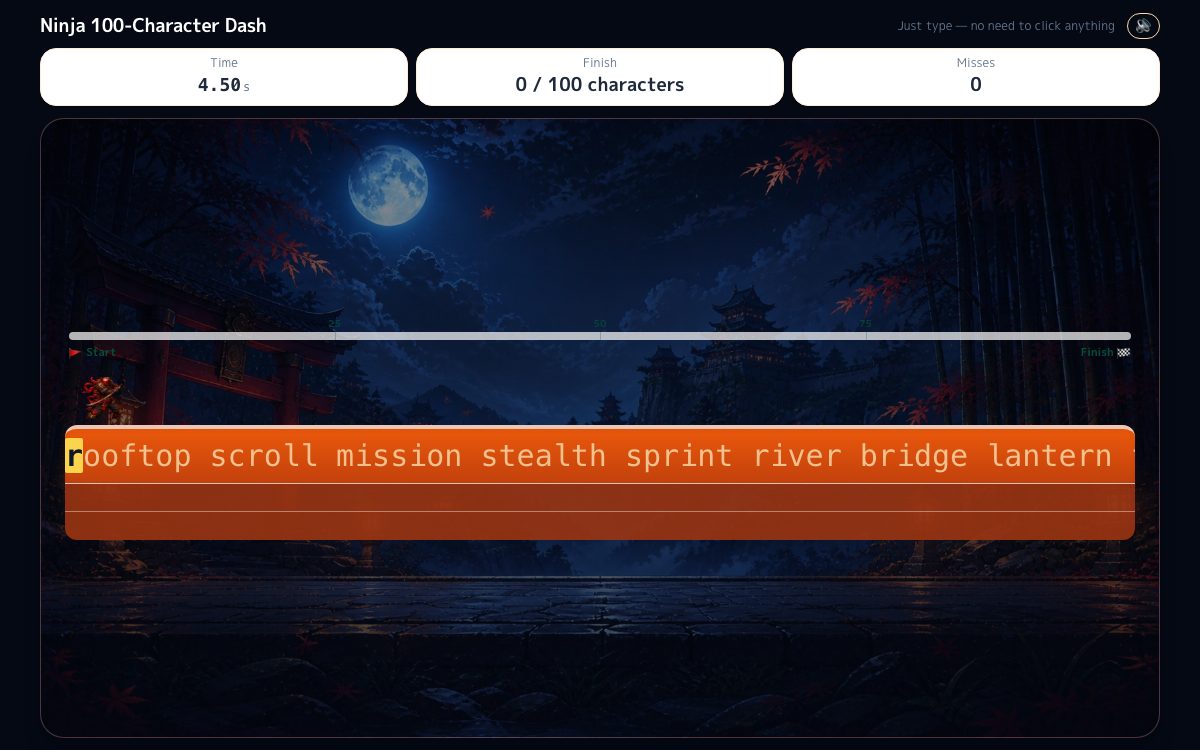
Race 100 characters against the clock. Benchmark times, and the order in which to fix what is slowing you down.
Alphabet typing speed
Benchmark times for typing a to z in order, and how to cut your record from there.
Typing test for jobs
Net WPM, accuracy and keystrokes per hour: what employers measure and the speeds common roles ask for.