
Typing For Work
Clerical test for jobs: what is on it and how to prepare
A clerical test checks the everyday skills of office work. It usually combines several short sections, such as typing, data entry, filing and Microsoft Office. Which sections you get depends on the employer and the test provider.
Reviewed on 7 November 2026
What a clerical test covers
Clerical tests are sets of short sections, not one fixed exam. Test publishers list these skills most often. Ask the recruiter which sections apply to your role, because a receptionist and a billing clerk may get different sets.
- Typing: retyping text quickly without errors
- Data entry: names, addresses and numbers, sometimes on a 10-key pad
- Office filing procedures
- Written English and business communication
- Microsoft Office: Word, Excel and Outlook
Typing and data entry sections
Typing is usually scored in net WPM with accuracy. Around 40 net WPM is a common target for general office roles. Data entry is usually scored in keystrokes per hour, and some providers score alphanumeric entry and 10-key entry separately.
These are the easiest sections to measure at home. Take a 5-minute typing test, note your net speed and accuracy, and repeat it daily during the week before the test.
Filing and written English sections
A filing section checks that you know how office records are ordered and kept, which often means putting names, dates or numbers in the right order. A written English section checks grammar, spelling and how you write to colleagues or customers.
To prepare, read the instructions slowly, because small rules decide the answer. Practice sorting lists of names by surname and proofreading short emails.
Microsoft Office section
Some publishers offer separate Word, Outlook, PowerPoint and Excel tests. Excel tests for office roles tend to cover tables, formatting and basic formulas. If the posting mentions spreadsheets, spend most of your time here, since it usually takes longest to improve.
- Excel: enter and format data, sort and filter, write SUM and AVERAGE
- Word: styles, headers and footers, tables, line spacing
- Shortcuts: copy, paste, undo, find and save without reaching for the mouse
A one-week plan
Spend most of your time on whichever section you scored lowest in. Short daily sessions work better than one long one the night before.
- Every day: one 5-minute typing test, and write down the score
- Days 1 to 3: Excel practice on sorting, filtering and basic formulas
- Days 4 and 5: Word tasks such as headers, tables and spacing
- Days 6 and 7: proofread short emails and sort lists by name and date
Try a practice
Start by measuring where you are. One minute shows your ceiling, five minutes shows whether it holds. Both are free and feed the leaderboard.
1-Minute Typing Test
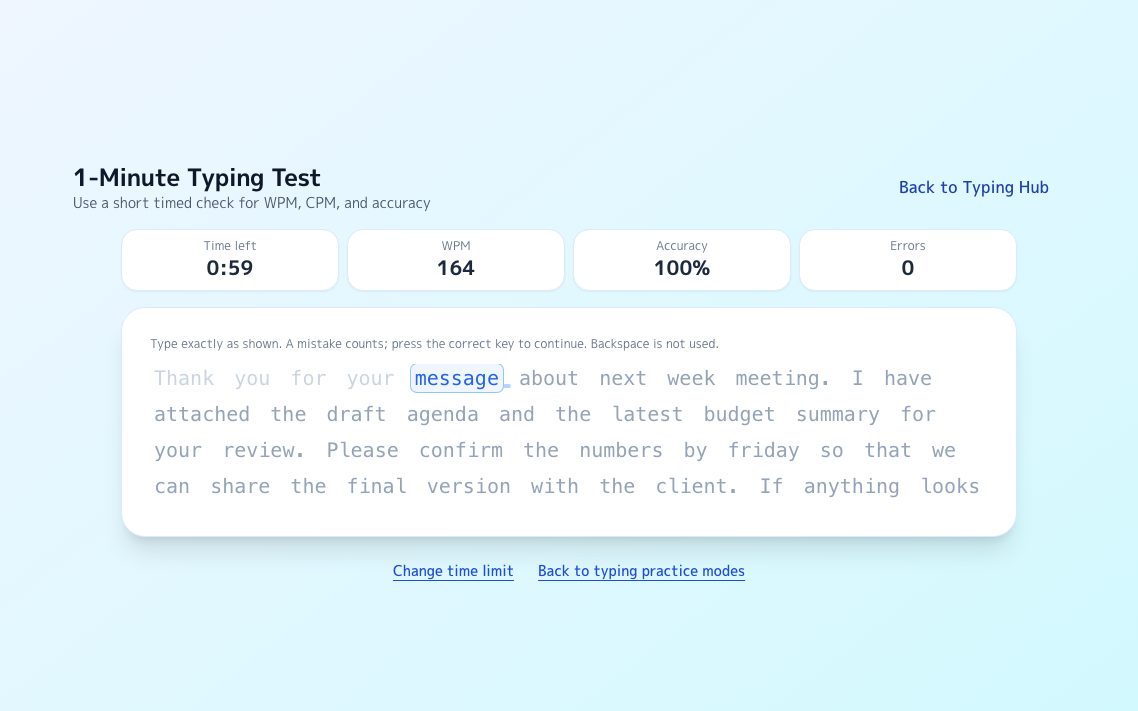
A continuous passage scrolls as you type and reports your current ceiling on the spot.
Try it →
Endurance5-Minute Typing Test
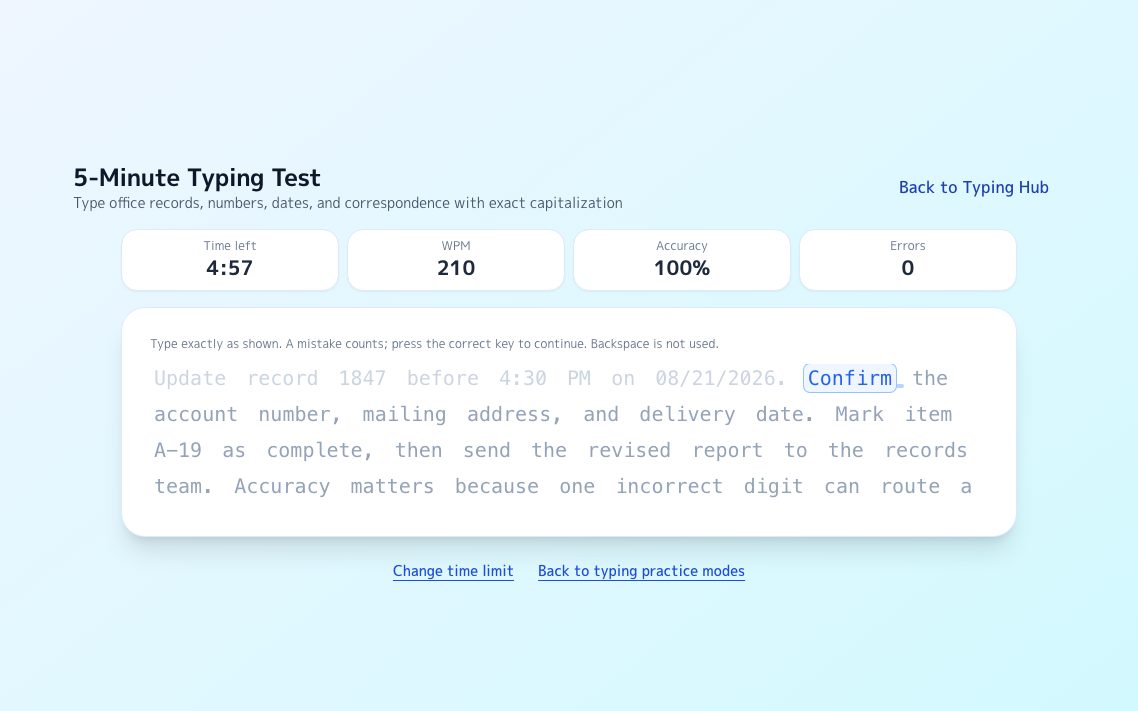
The same format for five minutes. The gap between halves exposes tension and posture.
Try it →
LeaderboardLong-Text Leaderboard
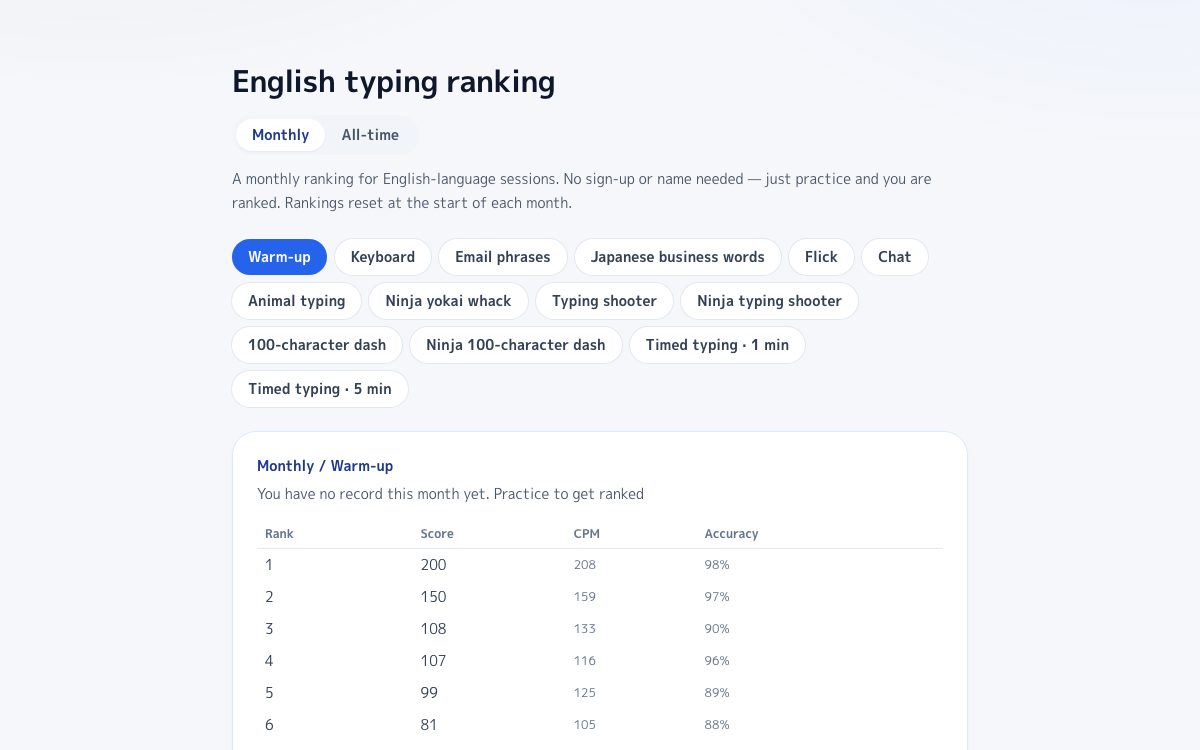
Your result lands on the leaderboard straight away, with no account needed.
Try it →
FAQ
What kind of questions are on a clerical test?
It depends on the provider. Expect timed typing and data entry, questions on filing and written English, and often tasks or questions on Microsoft Office.
What typing speed do I need for a clerical job?
Around 40 net WPM with 95% accuracy is a common target for general office work. Data entry roles often ask for more, so check the posting.
Can I find out which test the employer uses?
Ask the recruiter. Many will tell you the provider and which sections are included, and that tells you where to spend your time.
Sources
eSkill: administrative and clerical skills tests
A test publisher lists its clerical, typing, Excel and Microsoft Office tests.
KeyboardGym: Typing test for jobs
Net WPM, accuracy, and the typing speeds common roles ask for.
KeyboardGym: Data entry test for jobs
KPH scores, 10-key sections and how to practice them.
KeyboardGym: Excel simulator practice
Free browser practice on a simulated sheet, using real Excel keys.