
Business Chat
Knowing send and newline rules prevents costly chat misfires
Chat tools look similar, but Enter and newline behavior can differ by product or compose mode. This page summarizes the practical differences using official help pages checked on March 2, 2026.
Reviewed on March 2, 2026
Send-key comparison
This table reflects current public help pages. Teams changes behavior depending on compose mode, and Chatwork has conflicting help text, so read the notes column.
| Platform | Default Send | Default Newline | Customization | Notes |
|---|---|---|---|---|
| KeyboardGym | Enter | Shift+Enter | Not yet | Same on Windows and Mac. Enter is ignored while IME composition is active. |
| Slack | Enter | Shift+Enter | Yes | If Enter is changed to newline, send becomes Ctrl+Enter on Windows/Linux and Command+Enter on Mac. |
| Microsoft Teams | Enter | Shift+Enter | Limited | Standard compose uses Enter to send. Official help also documents Shift+Enter for newline, and keyboard shortcut help covers Ctrl/Cmd+Enter send in expanded compose flows. |
| Google Chat | Enter | Shift+Enter | Fixed | The official shortcut page documents Enter to send and Shift+Enter for a new line. No send-key toggle is surfaced there. |
| Chatwork | Shift+Enter | Enter | Yes | The Enter-key settings guide documents this as the initial PC default and allows reversal. Another Chatwork help page describes Enter to send, so verify your environment. |
The workflow rule that matters most
If you do not know whether Enter sends or inserts a line break, you are always one keypress away from a partial message.
That is why teams with multiple chat tools should treat send-key behavior as part of onboarding, not as a minor preference.
- Check send behavior the first time you open a new tool
- Test multiline input before sending a real message
- Do one final scan from the top of the message before pressing send
What KeyboardGym currently simulates
TypingGym currently uses a fixed model on both Windows and Mac: Enter sends and Shift+Enter inserts a newline.
IME composition is protected, so Enter during conversion does not trigger send. KeyboardGym does not yet provide a custom send-key toggle.
Where each tool can still trip you up
Even when the default looks familiar, the real risk often comes from settings or UI mode changes.
If you switch between tools every day, treat send-key behavior like a product-specific rule, not a universal habit.
- Slack: personal preference can flip Enter and newline
- Teams: the standard box and expanded formatting flow behave differently
- Google Chat: easy to memorize because the behavior is fixed
- Chatwork: the default is the reverse of what many people expect
The workflow habits that prevent accidental sends
The shortcuts are a starting point, not the full solution.
Most costly send mistakes happen because people keep typing with the wrong mental model for that tool.
- Test newline behavior before your first real multiline message
- Do one top-to-bottom scan before send on anything longer than one line
- Re-check the rule whenever you change browser, device, or workspace
Try a practice
These are the next drills that are easy to try after this guide, without forcing a jump that is too steep.
Business Chat Practice
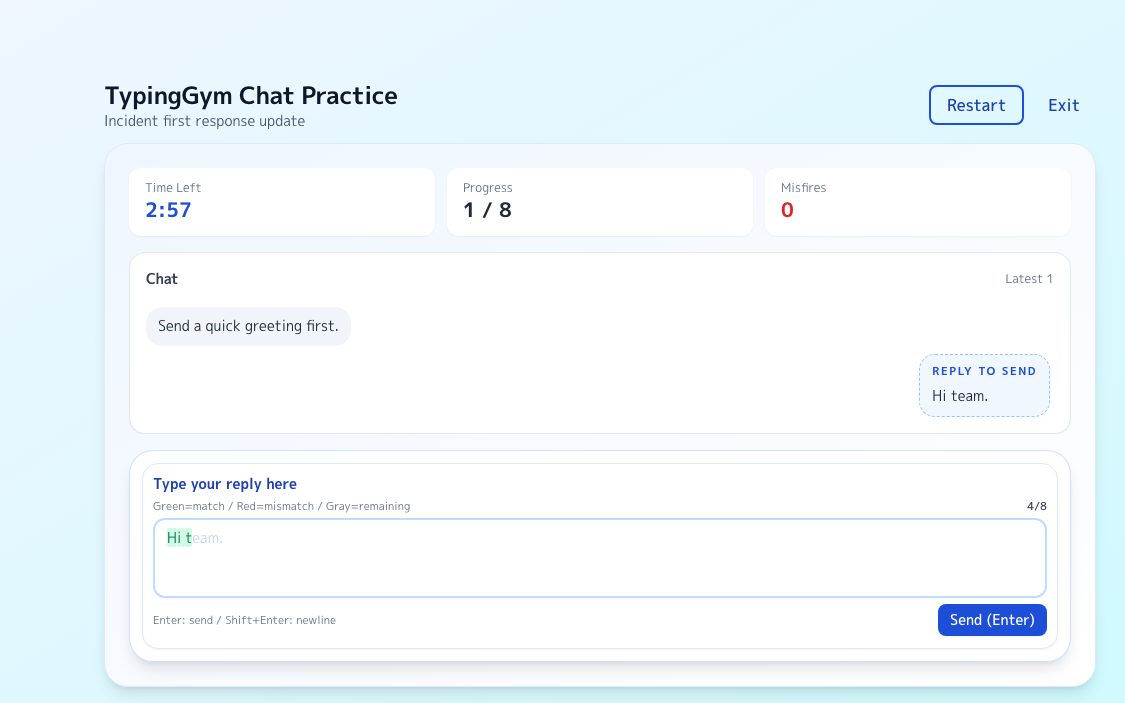
Practice send and newline accuracy directly with work-style chat prompts.
Try it →
FoundationEnglish Typing Practice
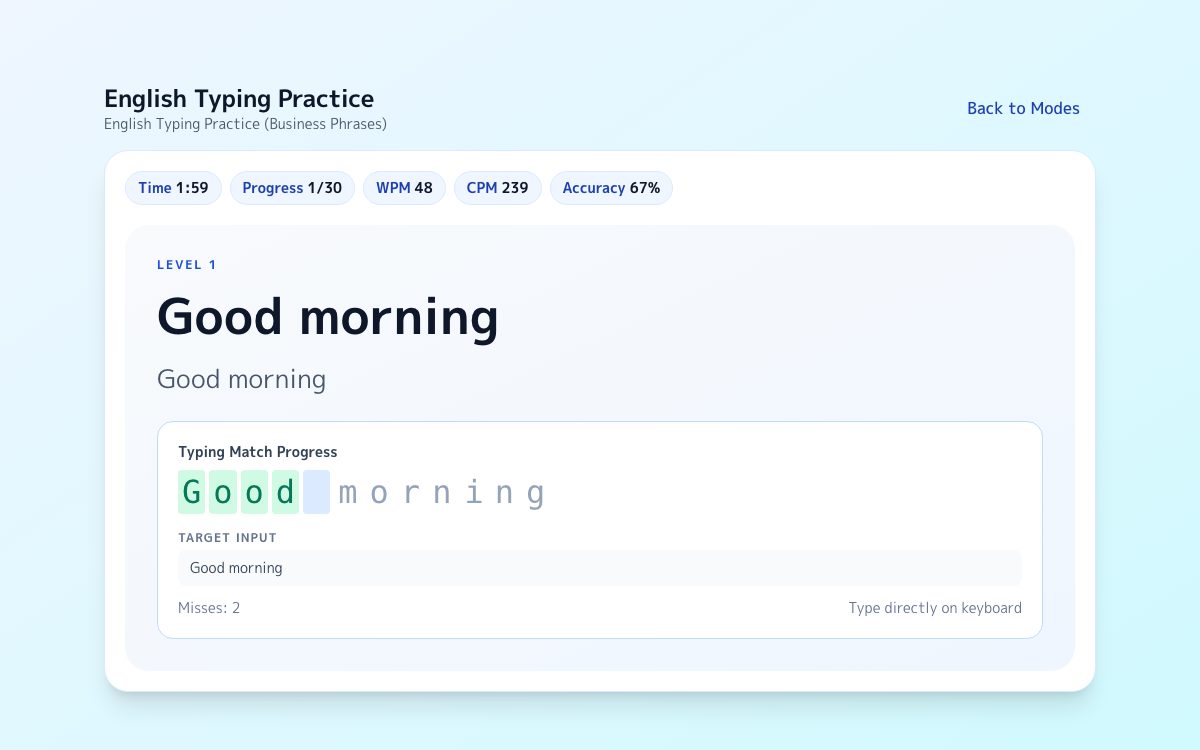
Reset your typing rhythm before moving into longer work text.
Try it →
Read nextLong Text Guide
Review how to stay stable through punctuation, line breaks, and longer passages.
Try it →
FAQ
Can Slack change Enter so it inserts a newline?
Yes. Slack lets users change Enter to newline. When that is enabled, sending changes to Ctrl+Enter on Windows/Linux and Command+Enter on Mac.
Can Teams be permanently switched to Enter-for-newline?
Teams behaves more like a mode-based workflow than a simple preference toggle. Standard compose sends with Enter, while expanded compose introduces shortcut-based sending such as Ctrl/Cmd+Enter.
Why does Chatwork documentation look inconsistent?
Current Chatwork help pages do not fully align. The safe takeaway is that Chatwork does offer an Enter-key setting, so confirm the active behavior in your own workspace before relying on muscle memory.
Sources
Slack Help: Set your Enter key preference
Official documentation for switching Enter between send and newline.
Microsoft Support: First things to know about chats in Microsoft Teams
Documents Enter to send and Shift+Enter for a new paragraph.
Microsoft Support: Keyboard shortcuts for Microsoft Teams
Reference list for compose-box shortcut behavior in Teams.
Google Chat Help: Use Google Chat keyboard shortcuts
Official shortcut table for Enter send and Shift+Enter newline in the reply box.
Chatwork Help: Set chat Enter key behavior
Official explanation of Chatwork defaults and the Enter-to-send toggle.