
Typing Basics
Build a stable home row before chasing speed
Use ASDF / JKL; as the return point for every keypress. The fastest route to better typing is not raw speed first, but a stable hand position.
Reviewed on March 2, 2026
See It On The Keyboard
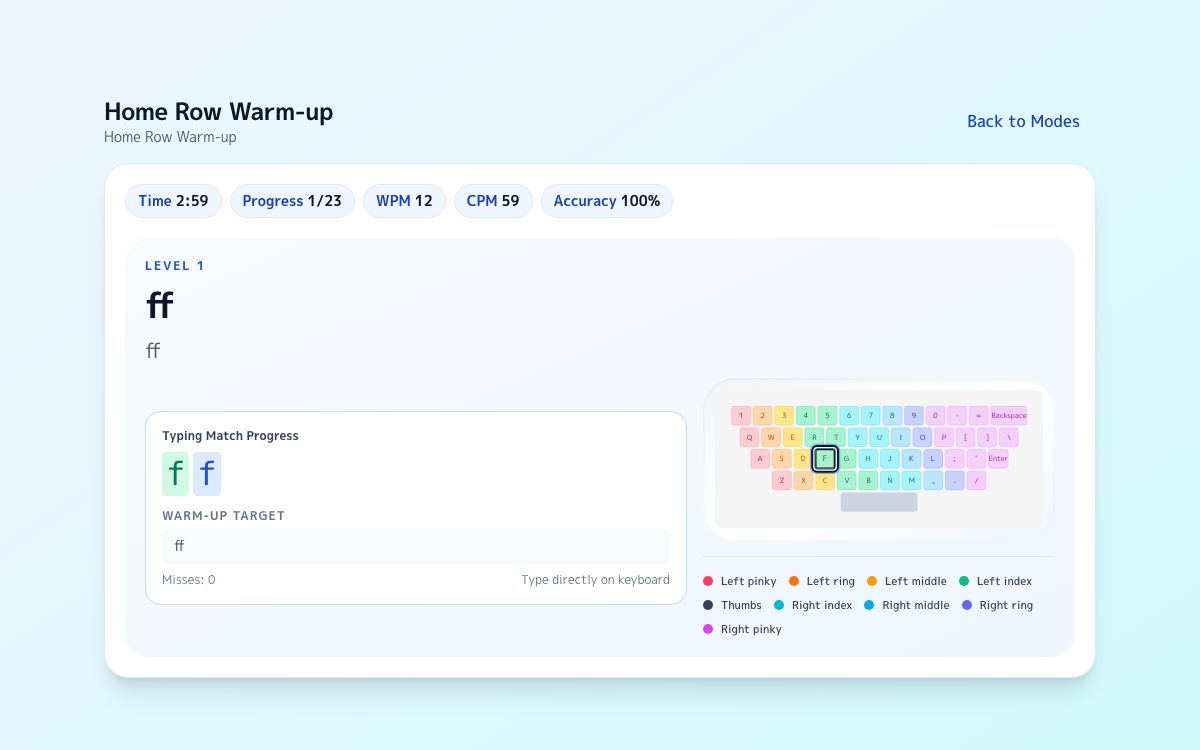
View the home row on the full keyboard
This reuses the same keyboard visual shown in the Excel and PowerPoint flows so you can see ASDF / JKL; as the hand position you return to.

Key colors show which finger owns each column at a glance.
The first finger placement to learn
Place your left hand on A S D F and your right hand on J K L ;, with both thumbs resting lightly on the space bar.
The home row is not only where you start. It is the position you return to after each reach.
- Use the bumps on F and J to re-center without looking down
- Keep wrists relaxed instead of locked high or pressed into the desk
- Spend more time watching the screen than watching the keys
Keys that break home row most often
Beginners usually lose position after Enter, Backspace, and the number row.
Treat the reach and the return as one movement. That is what keeps long text stable.
- Return to the right home row after pressing Enter
- Do not leave the right pinky floating after Backspace
- Practice recovering from the number row before practicing speed
Key colors show which finger owns each column at a glance.
How this connects to KeyboardGym
Start with short accurate inputs, then test whether the same posture survives in realistic chat-style prompts.
TypingGym makes breakdowns easy to notice because Enter timing and line breaks matter, not just letter speed.
A five-minute routine that actually sticks
Beginners improve faster with short repeatable sets than with long unfocused sessions.
A compact routine makes it easier to notice exactly when your hand position breaks and correct it immediately.
- 1 minute: find home row from the F and J bumps only
- 2 minutes: type short lines with Enter and Backspace slowly
- 2 minutes: type a short multiline prompt and return to home row after every reach
What progress looks like early on
At this stage, progress is not mainly about speed. It is about noticing where your hands fall apart.
Once you can name the exact keys that break your position, future speed gains become much more stable.
- You look at the keyboard less often
- The right pinky returns after Enter and Backspace
- You recover to home row within one keystroke after a reach
Do not stop at reading
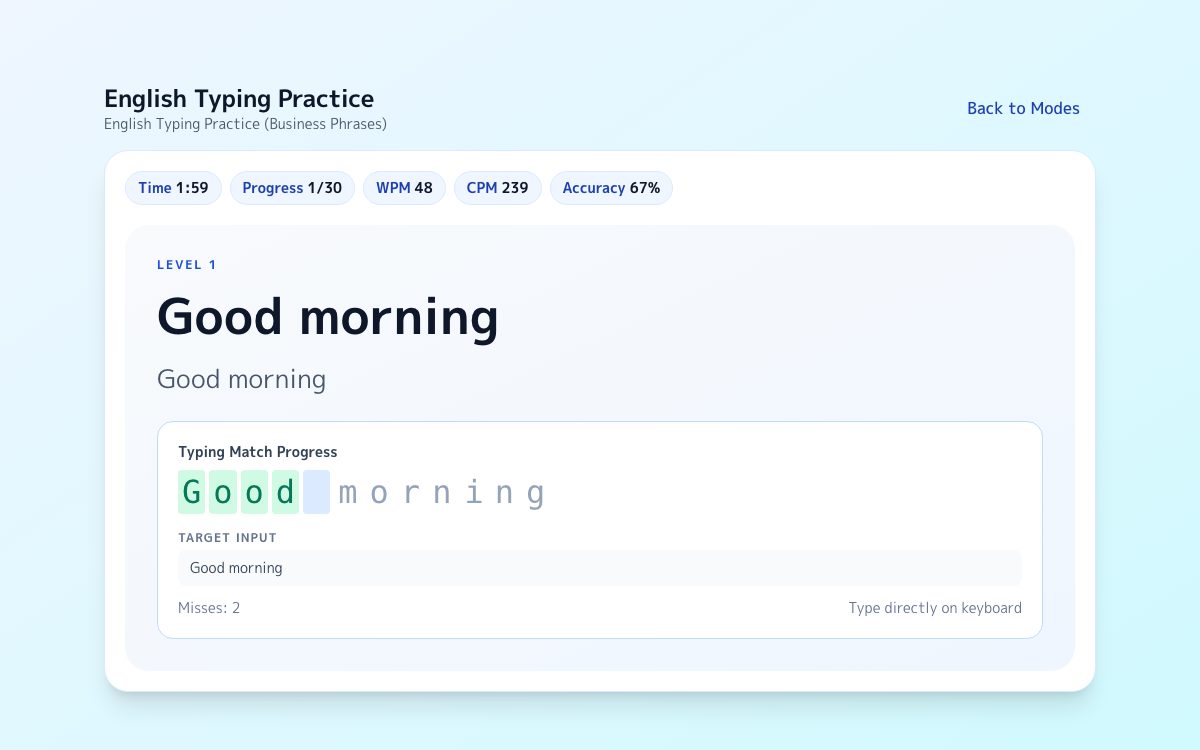
While the layout still feels fresh, try typing on the keyboard now.
After reading this page, start with the three-minute warm-up first. Once your hand position feels stable, moving into typing practice is the most natural next step.
FAQ
Should I always return to the home row?
Yes. You do not need to freeze there at all times, but returning there naturally after each reach keeps long text more stable.
Is it okay to look at the keyboard at first?
It is fine in the beginning, but use the F and J bumps and gradually shift attention back to the screen.
Should beginners focus on speed or accuracy first?
Accuracy first. Speed built on unstable finger movement usually creates bad habits.