
Competitive Typing
Competitive Typing: What The Numbers Mean And How To Train For Them
Competitive typing is a race to finish an unseen passage as fast as you can without breaking accuracy. Unlike typing at work, a single mistake costs you the ranking. This page explains what the speed numbers actually mean, what separates a fast office typist from a competitor, and the order of training that breaks a plateau. At the end you can measure yourself with a free 1-minute or 5-minute long-text test.
Reviewed on March 2, 2026
Competitive typing is not just typing faster
At work, a typo costs you nothing once you fix it — the document ends up the same. In a typing race, the fix itself is on the clock. One wrong character costs you a backspace and a re-strike, so a single typo burns roughly three keystrokes of time.
That is why competitive practice is not practice at going faster. It is practice at widening the speed range where your error rate does not climb. Strong typists are accurate not as a side effect of skill but because accuracy is the precondition for speed.
The other difference is that the passage is unseen. Typing a sentence you have memorised and typing one you are reading are different skills. Competitions test the second one: your eyes have to run ahead of your hands and stay there for the full duration.
- One typo costs about three keystrokes once you count the correction
- The run is one-shot — mistakes made during it cannot be taken back
- Passages are unseen, so reading ahead is part of the skill
- The goal is a wider accurate speed range, not a higher peak
How fast is fast: reading the numbers honestly
WPM counts five keystrokes as one word, spaces included, so the unit is comparable across languages and passages. Around 40 WPM is the common average for adults who type daily. Somewhere between 60 and 70 WPM you stop noticing the keyboard during office work. Above 100 WPM you are faster than almost everyone in the room.
Competitive territory starts around 120 to 150 WPM sustained with accuracy above 97 percent. The top of online leaderboards runs well past 200 WPM on short bursts. The highest documented English typing speeds sit in the low 200s, and even there the sustained figure is far below the peak — which tells you most of what you need to know about the gap between a sprint and a race.
Be careful comparing scores across sites, because they do not all measure the same thing. Raw WPM counts everything you typed. Net WPM subtracts errors. Some platforms force you to correct every mistake before moving on, which folds the penalty into the clock instead of the score. A 110 raw and a 110 net are not the same performance.
- ~40 WPM: typical for adults who type daily
- 60–70 WPM: comfortable for office work
- 100+ WPM: faster than nearly everyone around you
- 120–150 WPM sustained at 97%+: competitive territory
- 200+ WPM: top of online leaderboards, usually on short bursts
Accuracy is the speed lever, not the trade-off
The instinct when a score stalls is to push harder. It almost never works, because the extra speed arrives with extra errors and every error hands back more time than the speed gained.
Run the arithmetic. At 100 WPM you produce roughly 500 keystrokes a minute. A 95 percent accuracy rate means 25 mistakes, and at three keystrokes each that is 75 keystrokes of correction — a 15 percent tax on the whole minute. Getting to 98 percent removes most of that tax without you typing a single character faster.
So the sequence is fixed: stabilise accuracy first, then raise speed until accuracy starts to slip, then hold there until it stops slipping. Repeating that cycle is what actually moves the number.
- At 100 WPM, 95% accuracy costs about 15% of the minute in corrections
- Push accuracy to 98% before touching speed
- Raise speed only until accuracy slips, then hold
- Repeat the cycle rather than chasing a personal best every run
Where the time actually leaks
A typing score is less about average speed than about the fraction of the run where your hands never stopped. A half-second hesitation ten times a minute costs five seconds — enough to move you down a whole leaderboard page.
The hesitations are not random. They cluster in three places: keys away from the home row such as digits and punctuation, letter combinations your fingers have never drilled as a unit, and the gap between one word and the next when your eyes have not read ahead far enough.
This is why watching where you stopped is more useful than watching the final score. Pull out the specific words that stalled you and drill those, rather than retyping whole passages and hoping the weak spots average out.
- Digits and punctuation, because they sit away from the home row
- Letter pairs never drilled as a single motion
- Word boundaries, when your eyes are not reading far enough ahead
- Track where you stopped, not just what you scored
Sprint and endurance are different scores
The 1-minute test measures your ceiling. A continuous business passage scrolls as you type, and you get WPM, CPM and accuracy the moment the clock stops. It is short enough to run several times in a sitting, which makes it the right tool for testing whether a change to your technique helped.
The 5-minute test measures whether that ceiling survives. In competition the gap between someone fast for thirty seconds and someone steady for five minutes is enormous. If your second half drops more than 10 percent below your first, the cause is almost never your fingers — it is tension in the shoulders, a wrist angle you cannot hold, or breathing you forgot about.
Run both. The 1-minute number tells you how fast you can type; the difference between the two tells you what to fix next.
- 1-minute test: your current ceiling, fast enough to repeat
- 5-minute test: whether the ceiling holds under fatigue
- A second-half drop over 10% points at tension or posture
- Both are free, need no account, and feed the leaderboard
Try a practice
Start by measuring where you are. One minute shows your ceiling, five minutes shows whether it holds. Both are free and feed the leaderboard.
1-Minute Typing Test
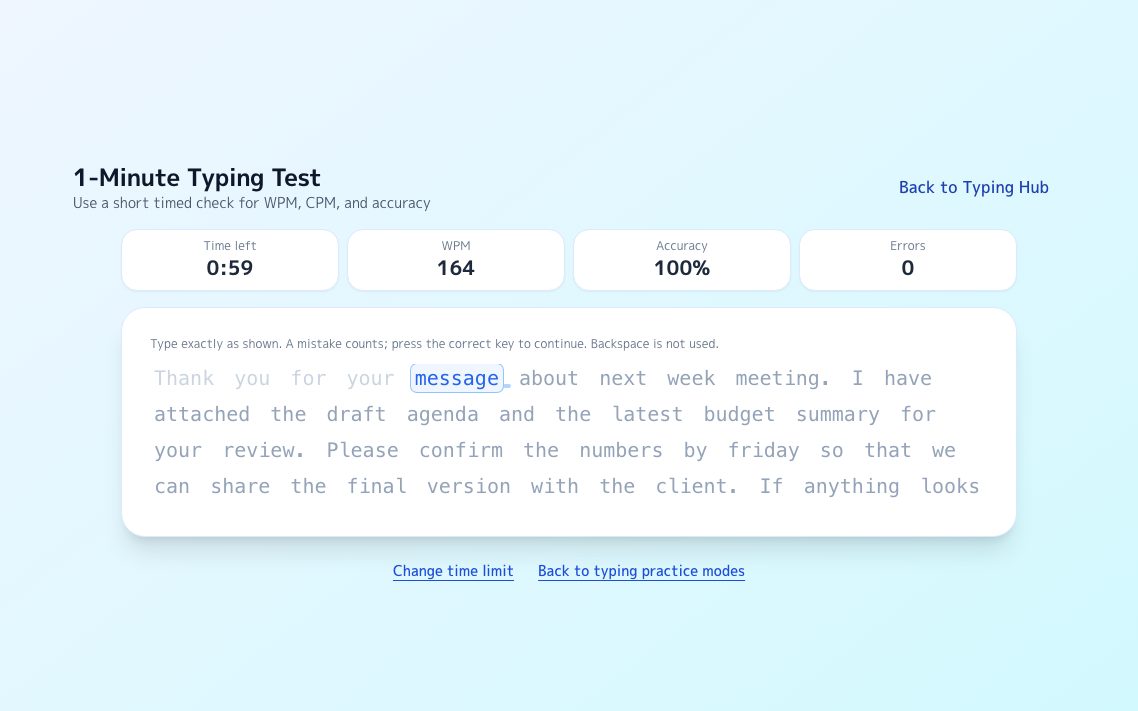
A continuous passage scrolls as you type and reports your current ceiling on the spot.
Try it →
Endurance5-Minute Typing Test
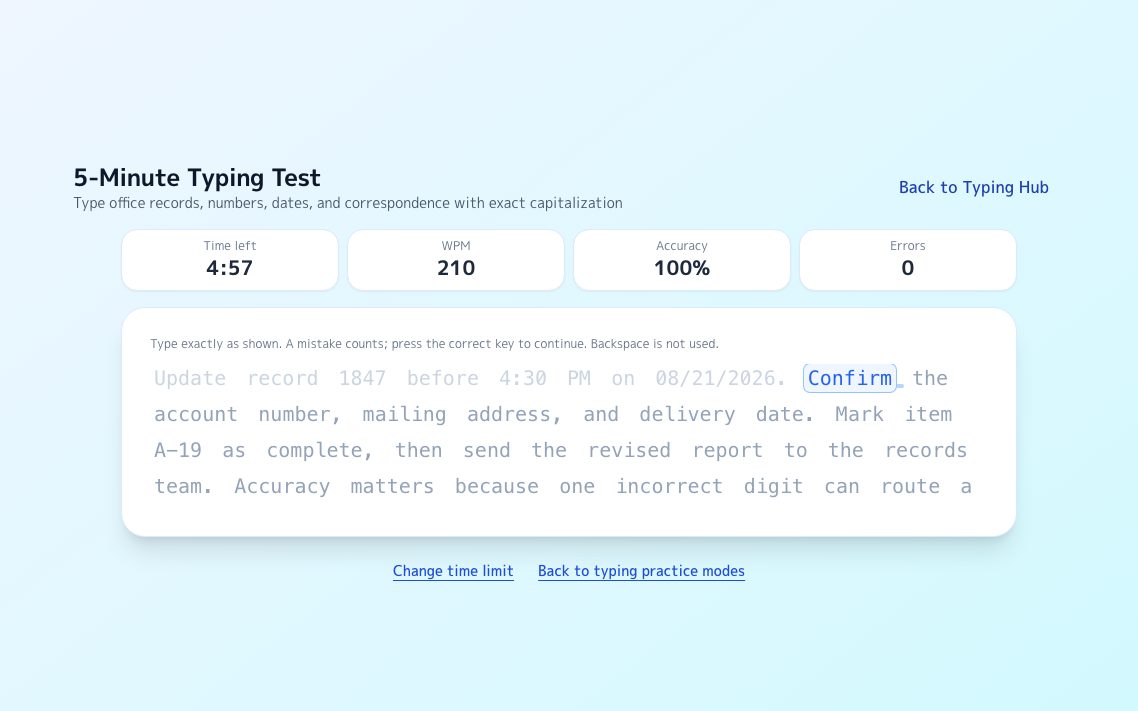
The same format for five minutes. The gap between halves exposes tension and posture.
Try it →
LeaderboardLong-Text Leaderboard
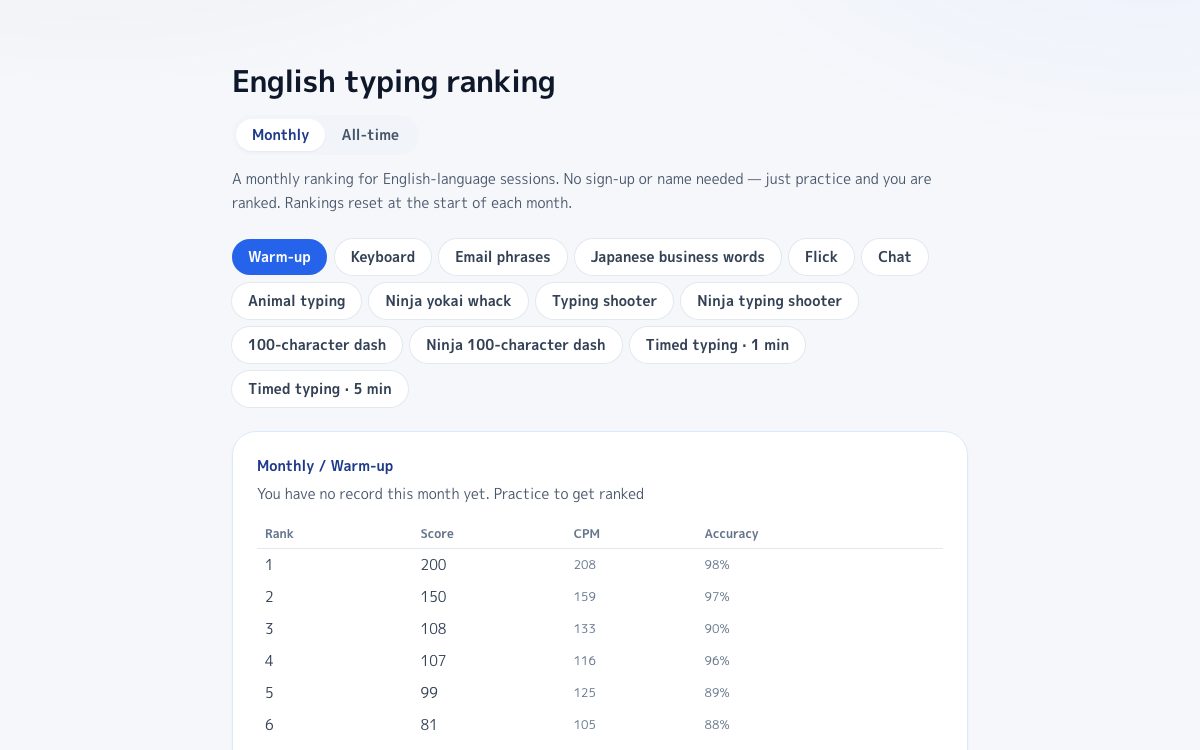
Your result lands on the leaderboard straight away, with no account needed.
Try it →
FAQ
What typing speed counts as competitive?
Roughly 120 to 150 WPM sustained with accuracy above 97 percent puts you in competitive range. There is no minimum to start competing, though — measuring where you are now is more useful than waiting until you hit a threshold.
Do I need a mechanical keyboard to compete?
Not up to about 100 WPM — a laptop keyboard handles that fine. Beyond that, key travel and actuation force start to affect fatigue over a long run, so a keyboard you can type on for five minutes without tensing up becomes an advantage. Fix accuracy and posture before changing hardware.
Does switching to Dvorak or Colemak make me faster?
Alternative layouts reduce finger travel, and some fast typists use them, but the top of most leaderboards is still QWERTY. Relearning a layout costs months during which your speed drops. If you are already fluent on QWERTY, drilling your weak letter combinations pays back sooner.
Why is my speed stuck at the same number?
Almost always because you are practicing at the edge of your accuracy. Drop your speed until accuracy sits at 98 percent, hold it there for a week of short daily sessions, then raise speed again. Plateaus break from below, not from pushing harder.
How long should I practice each day?
Fifteen to twenty minutes daily beats a two-hour session at the weekend. Typing speed is a motor skill, and motor skills consolidate with frequency rather than duration.
Can I measure my speed for free?
Yes. No account and no installation — open the test in your browser and it reports WPM, CPM and accuracy immediately, then places you on the leaderboard.