Typing For Work
Administrative assistant test: what employers check and how to prepare
An administrative assistant test usually combines Microsoft Office skills, typing, data entry and attention to detail. Some employers add aptitude or behavior questions. The Office section is often the one worth the most preparation.
Reviewed on 7 November 2026
What is on the test
There is no single admin assistant test. Employers choose from a publisher’s modules, so two jobs with the same title can have different tests. These are the areas publishers list for this role.
- Microsoft Word, Outlook and Excel
- Basic skills and aptitude, such as verbal and problem-solving questions
- Attention to detail and data entry
- Typing speed and accuracy
- Behavior: responsibility, adaptability and teamwork
What a Microsoft Office assessment looks like
Office assessments are short and timed. Criteria’s Microsoft Suite assessment, for example, gives 10 minutes each for Word, Excel and PowerPoint. Some tests are multiple choice. Others are simulations, where you complete tasks in a copy of the program on screen.
In a simulation you have to know where things are, so reading about a feature is not enough. Practice by doing the task yourself, and try the keyboard route too, because it is often quicker than searching the ribbon against a timer.
The Excel section
General Excel tests for admin roles cover tables, managing data, and basic to intermediate formulas. Advanced versions add complex formulas, reports and charts. eSkill’s Excel simulation lists six areas: customizing spreadsheets, editing, formatting, functions, managing workbooks and managing worksheets.
- Enter, format and sort data, and apply a filter
- Write SUM, AVERAGE, COUNT and IF
- Copy formulas with absolute references
- Insert rows, hide columns and move between sheets
- If the job handles reports: lookups, pivot tables and charts
The Word, Outlook and PowerPoint sections
Word tasks are usually about formatting a document: styles, line spacing, headers and footers, tables and tables of contents. PowerPoint tasks are about adding and arranging slides and objects. Outlook questions are usually about mail, calendar and meeting tasks, so review these in the version you use at work.
How to prepare
Ask the recruiter which provider and which programs are included, and which version of Office. Then practice the tasks with a timer, starting with the program the job uses most.
- Excel: work through the simulator chapters on moving, copying and formatting
- Word: practice headers and footers, line spacing and tables
- PowerPoint: practice new slides, duplicating, grouping and arranging objects
- Typing: take one 5-minute test a day and record net WPM and accuracy
Try a practice
Start by measuring where you are. One minute shows your ceiling, five minutes shows whether it holds. Both are free and feed the leaderboard.
1-Minute Typing Test
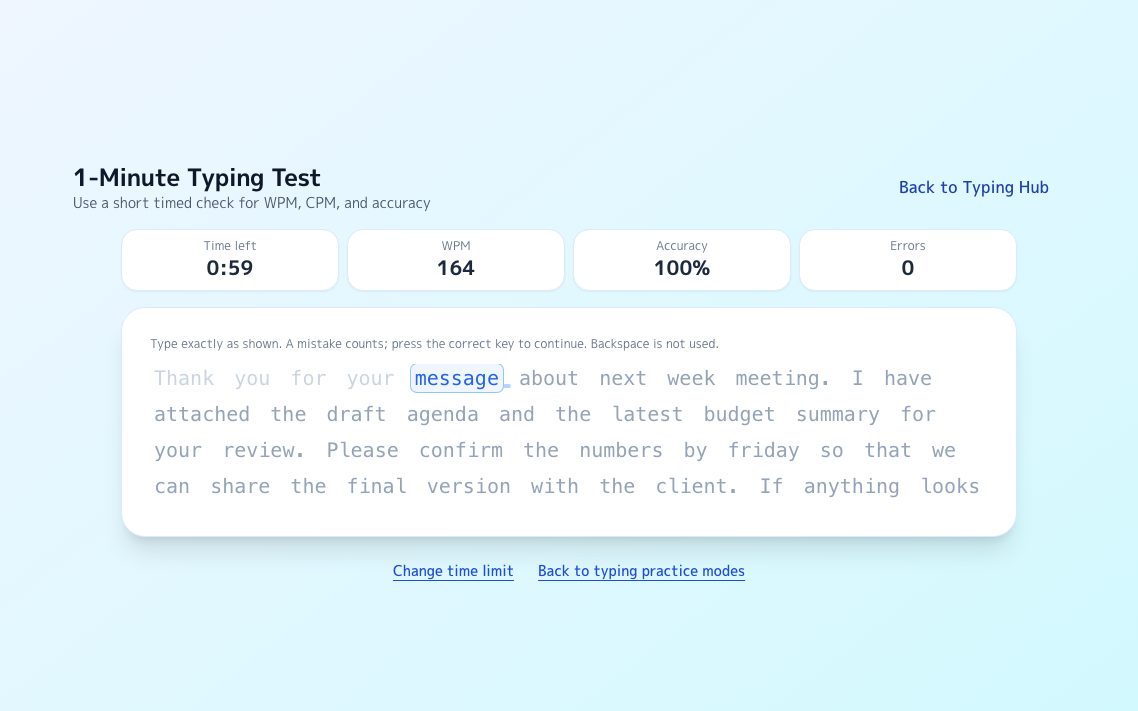
A continuous passage scrolls as you type and reports your current ceiling on the spot.
Try it →
Endurance5-Minute Typing Test
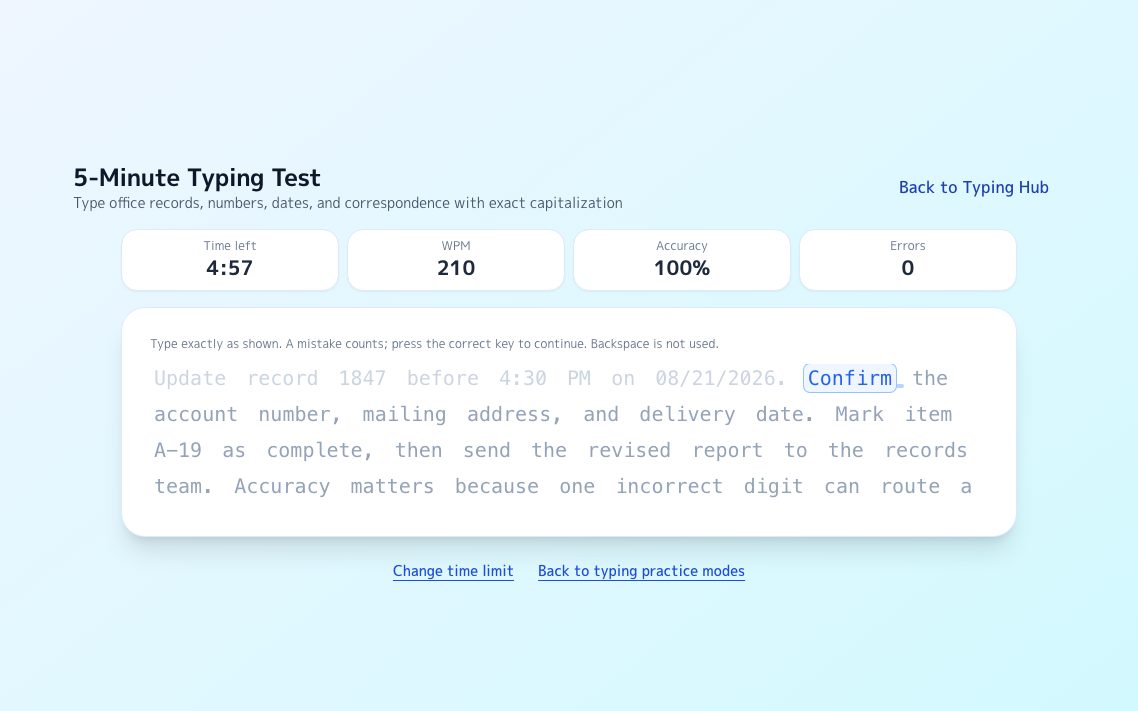
The same format for five minutes. The gap between halves exposes tension and posture.
Try it →
LeaderboardLong-Text Leaderboard
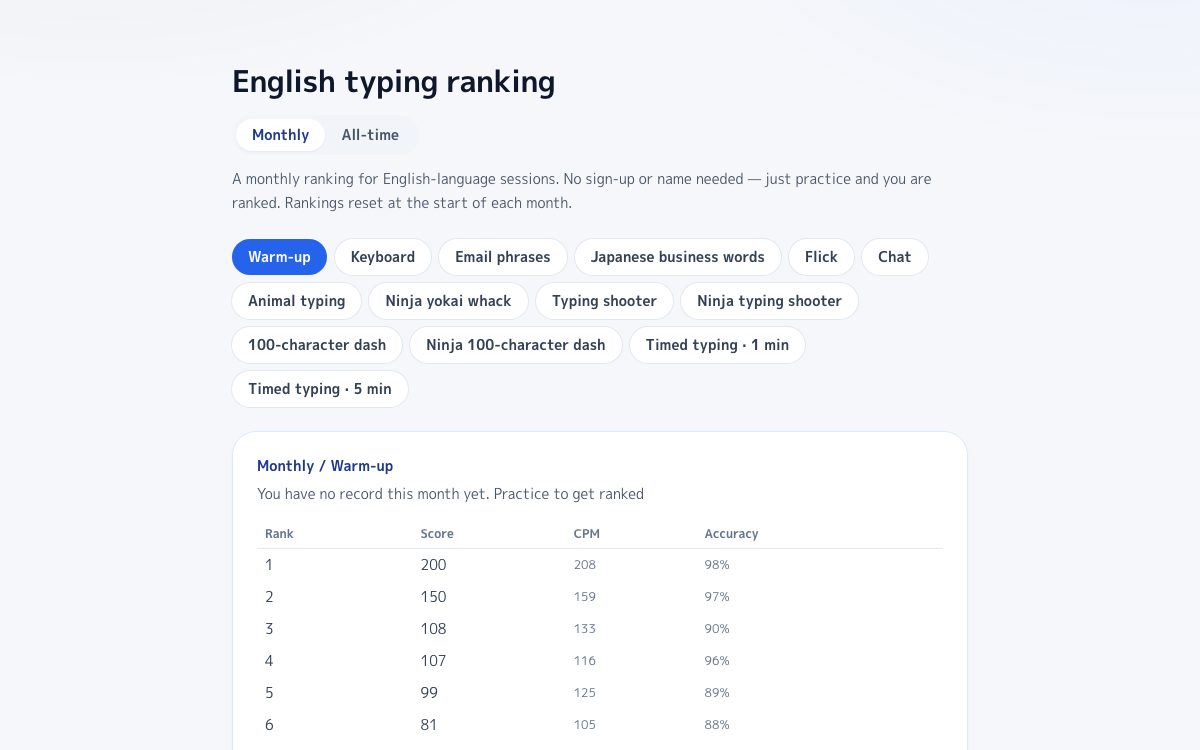
Your result lands on the leaderboard straight away, with no account needed.
Try it →
FAQ
What does an administrative assistant test include?
Usually Microsoft Word, Excel and Outlook, plus typing, data entry and attention to detail. Some employers add aptitude and behavior questions.
Is a Microsoft Office assessment multiple choice?
It can be either. Some are multiple choice and others are simulations where you complete tasks on screen. Ask the recruiter if you can, and prepare by doing the tasks.
How much Excel does an admin assistant need for the test?
General tests cover tables, data management and basic to intermediate formulas. Roles that build reports may also be tested on lookups, pivot tables and charts.
How long is the test?
It depends on the provider and modules. As one example, Criteria’s Microsoft Suite assessment gives 10 minutes each for Word, Excel and PowerPoint.
Sources
EmployTest: tests for administrative assistants
The skill areas one publisher assesses for this role.
Criteria: Microsoft Suite assessment
Time limits and content of a Word, Excel and PowerPoint assessment.
eSkill: Excel simulation
The topic areas of a simulated Excel test.
TestGorilla: Excel tests for administrative assistants
What the general and advanced Excel tests cover.
KeyboardGym: Excel test for jobs
What employers ask on Excel tests, with the keys to practice.
KeyboardGym: Word simulator practice
Free browser practice for Word formatting tasks.
KeyboardGym: PowerPoint simulator practice
Free browser practice for slides and objects.