
Your mission companions
Keycat and Mauchu
Tap a key. Click a mouse.
These two are by your side, each with their own special skills.

Keyboard practice helper
Keycat
"You'll be able to do it with just a keyboard. Try it with me."
A softly rounded cat shaped like a keycap. Keycat helps you learn to work with the keyboard, offers hints when you get stuck, and celebrates your progress.
Each Keycat carries a key name on its back: Ctrl, Shift, Alt and more. Choose “See which keys to press” during a mission to meet the cats carrying the keys you need next.
A friendly advocate for the mouse
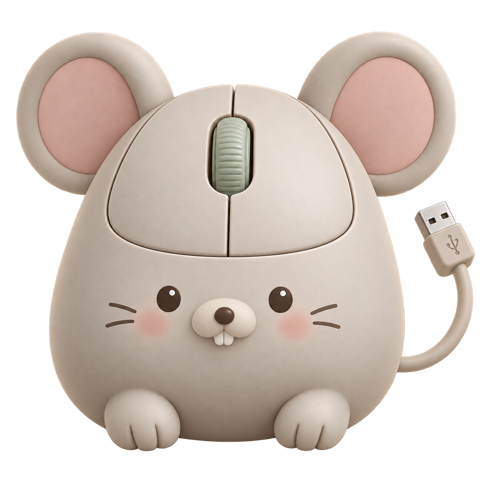
Mauchu
“Hey, the mouse is handy. Go on, give it a click.”
A little mouse with round ears and tiny front teeth, shaped like a computer mouse. Mauchu has a scroll wheel on his head and a USB cable for a tail. He drops by to whisper how convenient a mouse can be.
These simulation exercises use only the keyboard. Click the sheet and Mauchu sighs: “You can’t use me here.” It is tempting to ask him for help, but today, try the keyboard with Keycat.
Their keys tell you who they are.
Use one key or combine several. Learn each shortcut and add to the things you can do.


Meet them in the missions.
Copy cells and move around a worksheet, one keyboard skill at a time.
Go to mission list →