
Mesures de frappe
40 MPM est la base courante. Le travail devient confortable quand 50 à 60 MPM restent précis
Les indications publiques de Typing.com situent généralement la vitesse moyenne autour de 40 MPM, avec 40 à 60 MPM comme fourchette normale pour la frappe au toucher. Cette page explique ce que signifient ces chiffres et où ils cessent d’être suffisants au travail.
Vérifié le 9 août 2026
Ce que mesure réellement le MPM
MPM signifie mots par minute. C’est une mesure de vitesse utile, mais elle ne décrit pas entièrement la frappe au travail.
La plupart des tests de frappe considèrent cinq caractères, espaces et ponctuation compris, comme un mot. En pratique, le MPM est souvent calculé comme le nombre total de caractères tapés en une minute divisé par cinq.
De nombreux tests de MPM se concentrent sur des flux de mots propres, alors que le travail réel inclut la ponctuation, les sauts de ligne, la mise en forme des messages et des décisions d’envoi.
- Cinq caractères comptent généralement pour un mot
- Vitesse et précision doivent être suivies séparément
- Un score n’est comparable que si le texte et le format le sont aussi
Les fourchettes de référence qui comptent le plus
Les guides publics de frappe citent souvent environ 40 MPM comme base moyenne. Ils décrivent aussi environ 27 MPM pour la frappe à deux doigts et environ 40 à 60 MPM pour les dactylographes au toucher habituels.
Typing.com situe également au moins 40 MPM comme base pratique en milieu professionnel, certains rôles très orientés assistanat demandant 60 MPM ou plus.
- 20 à 30 MPM : construction des bases, recherche fréquente des touches
- 30 à 40 MPM : usage informatique quotidien de base, mais les erreurs ralentissent encore le résultat
- 40 à 50 MPM : base courante pour la productivité de bureau
- 50 à 60 MPM : généralement confortable pour l’e-mail, le chat et l’édition de documents
- 60+ MPM : rapide, à condition que la précision reste élevée
Le CPM : le chiffre qui ne bouge pas avec la langue
CPM signifie caractères par minute. Là où le MPM regroupe les caractères en mots de cinq lettres, le CPM compte chaque caractère directement — une lecture plus directe de la production réelle de frappe.
C’est important, car la convention des cinq caractères suppose des mots de longueur anglaise. Les mots français sont en moyenne plus longs : à vitesse de mains égale, le MPM sera plus bas, uniquement à cause de la longueur des mots. Les accents et la cédille ajoutent des frappes qui n’existent pas dans un test anglais. Le seul point commun à toutes les langues, c’est la suite de touches que vous enfoncez.
Utilisez donc le MPM pour vous comparer aux autres sites, et le CPM pour suivre votre propre progression. KeyboardGym affiche les deux à la fin de chaque mesure.
- En anglais, CPM ÷ 5 ≈ MPM ; avec des mots plus longs, l’écart se creuse
- 200 à 300 CPM : usage quotidien avec quelques hésitations
- 300 à 400 CPM : confortable pour le chat et l’e-mail au travail
- 400 à 500 CPM : nettement rapide pour la plupart des collègues
- 500+ CPM : frappe à l’aveugle bien établie
Le temps se perd dans les pauses, pas dans les touches
Un test propre d’une minute élimine une grande partie de la friction que le travail réel réintroduit : ponctuation, chiffres, sauts de ligne, mise en forme et décision d’envoyer. C’est pourquoi le score paraît toujours plus rapide que votre journée.
Mais la plus grosse perte ne vient d’aucune de ces opérations : elle vient du vide avant la frappe suivante. Une hésitation de 0,3 à 0,5 seconde devant une touche inconfortable, dix fois par minute, coûte à elle seule trois à cinq secondes. Ceux qui plafonnent n’ont presque jamais les doigts lents : ils s’arrêtent chaque fois aux mêmes endroits.
Le piège, c’est que les exercices sur mots isolés masquent ces pauses — un mot est assez court pour être terminé même après un blocage. Ces vides ne deviennent un chiffre que si vous tapez un texte inconnu sans vous arrêter. Mesurer suppose donc du texte continu, pas des listes de mots.
- Vitesse : combien de temps vous pouvez garder le rythme
- Précision : combien vous devez corriger
- Qualité d’envoi : à quelle fréquence vous évitez les envois accidentels
- Endurance : si la même qualité tient sur plusieurs minutes
Mesurer sur du texte continu : le test d’une minute
Le test d’une minute transforme ces pauses en chiffre. Le texte défile à mesure que vous tapez, et dès la fin du temps s’affichent MPM, CPM, précision et nombre d’erreurs. Le test de cinq minutes utilise le même format et fournit un résultat global pour toute la durée. Pour évaluer l’endurance, comparez ce résultat à plusieurs tests d’une minute réalisés dans des conditions similaires.
Chaque résultat sur texte long alimente le classement mensuel : vous voyez votre place parmi des personnes qui tapent en ce moment, au lieu de vous comparer à une moyenne générale. Aucune inscription n’est nécessaire.
- Test d’une minute : votre plafond actuel, mesuré vite
- Test de cinq minutes : si ce plafond tient jusqu’au bout
- Mesures affichées : MPM / CPM / précision / erreurs
- Classement : votre place apparaît juste après la mesure, sans inscription
Ensuite, travaillez les blocages, pas le texte entier
Une mesure vous dit où vous vous êtes arrêté. Retaper tout le passage revient surtout à répéter ce que vous maîtrisez déjà : isolez plutôt les lettres, les symboles et les extensions de doigts qui ont provoqué les pauses, et travaillez-les seuls.
Alterner mesure et exercice vaut mieux que taper sans but : vous mesurez, vous corrigez les deux ou trois points de blocage, puis vous remesurez. Terminez par une pratique de type chat, avec sauts de ligne et moment d’envoi, pour que le gain résiste aux vrais messages.
- Travailler exactement les touches et enchaînements qui vous ont freiné
- Remesurer après chaque série, pas en fin de semaine
- Utiliser le test de cinq minutes pour vérifier que le gain tient sous la fatigue
- Finir par de la frappe façon chat pour contrôler la qualité d’envoi
Essayer un exercice
Commencez par mesurer votre niveau. Une minute montre votre plafond, cinq minutes montrent s’il tient. Les deux sont gratuits et comptent pour le classement.
Test de frappe d’une minute
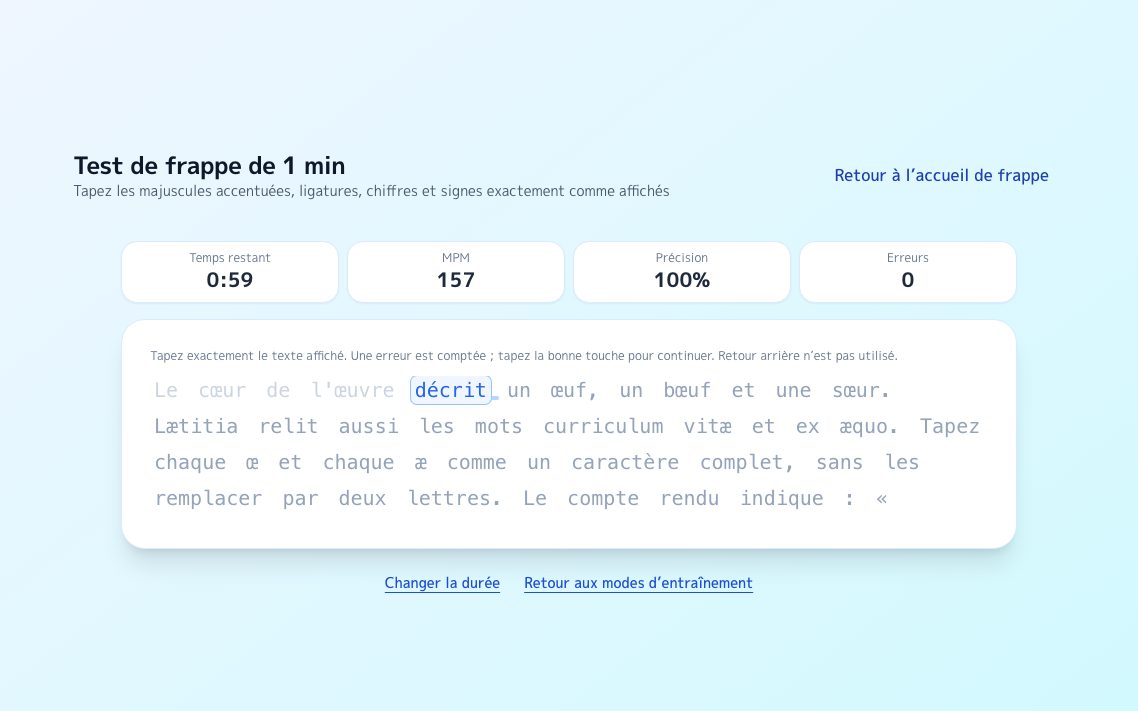
Un texte continu défile pendant que vous tapez et affiche aussitôt votre plafond actuel.
Essayer →
EnduranceTest de frappe de cinq minutes
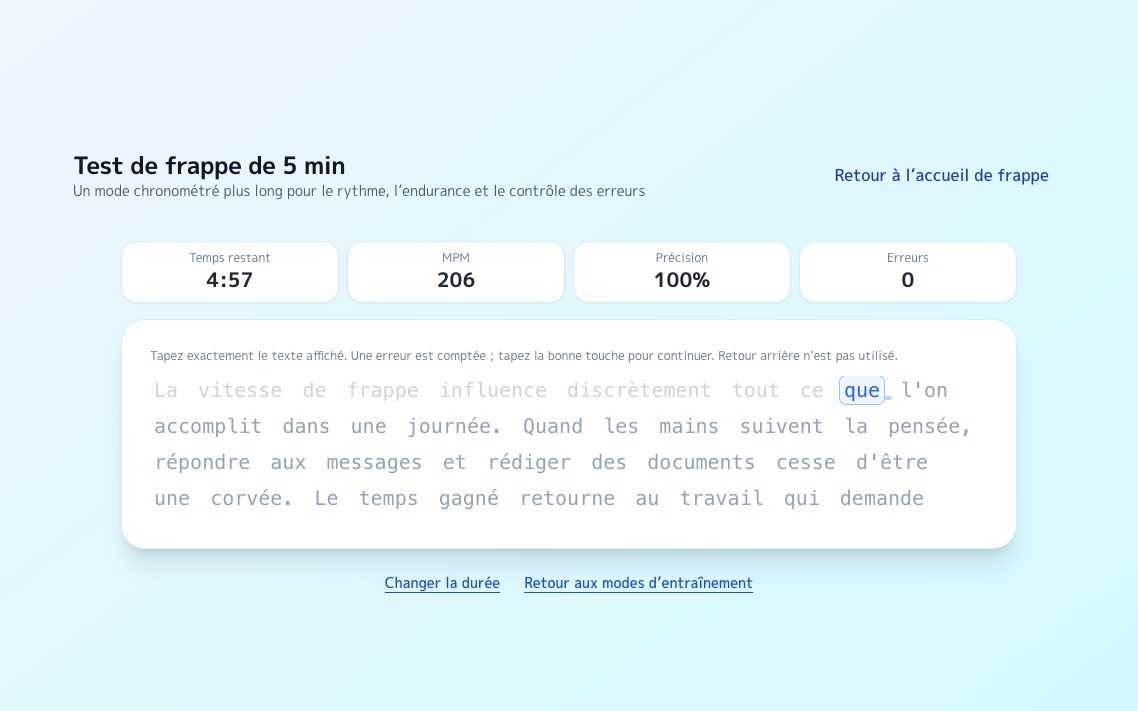
Le même format sur cinq minutes. L’écart entre les deux moitiés révèle crispation et posture.
Essayer →
ClassementClassement du test de texte long
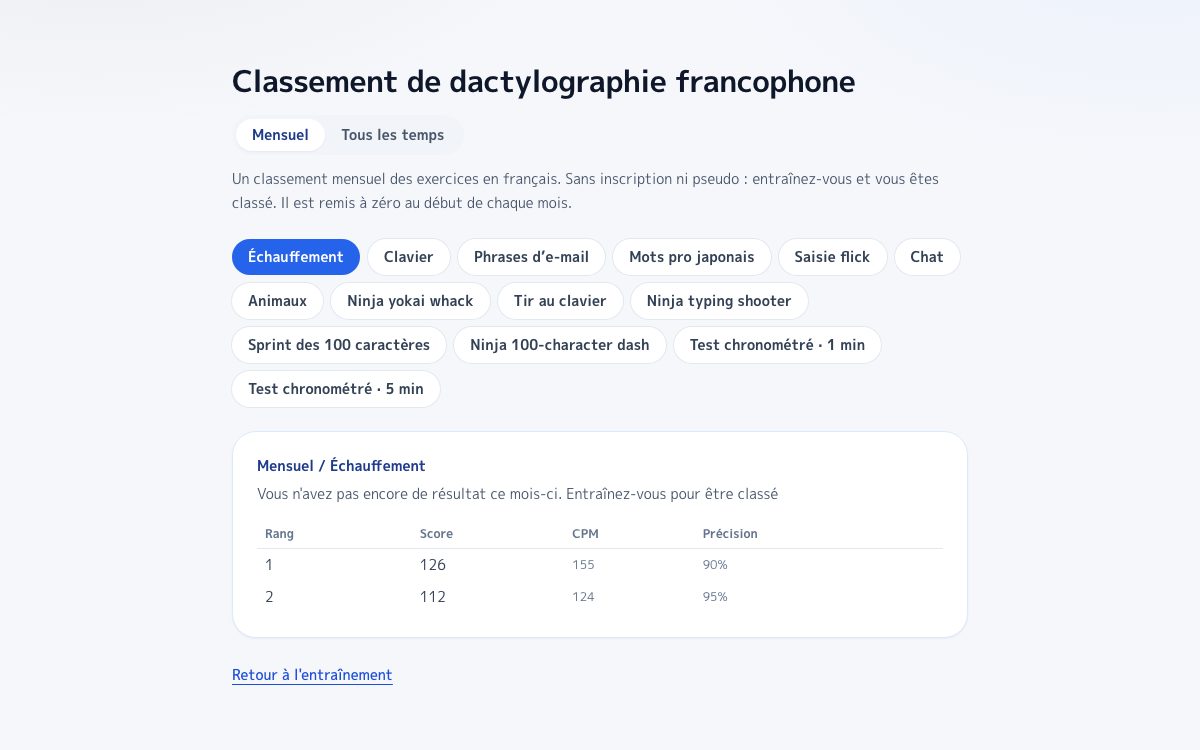
Votre résultat entre directement au classement, sans aucun compte.
Essayer →
Questions fréquentes
Quel MPM devrais-je viser en premier ?
Un MPM stable de 40 avec une haute précision est un premier jalon réaliste. Ensuite, maintenir 50 à 60 MPM avec peu de corrections se ressent généralement bien mieux au quotidien.
Un MPM élevé signifie-t-il que je tape vite au travail ?
Pas toujours. La frappe au travail inclut la mise en forme, la ponctuation, les sauts de ligne et les décisions d’envoi que de nombreux tests de MPM ne couvrent pas.
Que dois-je améliorer en premier pour la frappe au travail ?
Réduisez d’abord le temps de correction et les envois accidentels. Une qualité stable rend les gains de vitesse plus utiles ensuite.
Puis-je voir comment mes MPM se situent par rapport aux autres ?
Oui. Les résultats du test de texte long alimentent un classement mensuel et votre rang s’affiche juste après la mesure, sans aucun compte. Les tests d’une et de cinq minutes sont classés séparément, la comparaison se fait donc à conditions égales.
Sources
Test de 1 minute
Mesure sur un texte continu qui défile pendant la frappe, avec MPM et précision.
Test de 5 minutes
Le format long montre si votre rythme tient, et pas seulement votre pointe.
Classement mensuel sur texte long
C’est là qu’arrive chaque mesure. Votre place s’affiche sans inscription.
Jeu de frappe façon shoot
Abattez les mots pro qui tombent. Bon échauffement avant une mesure.
Typing.com Blog: What is Words per Minute (WPM)?
Explique la convention des cinq caractères pour le MPM.
Typing.com Blog: What's a good typing speed, and why does it matter?
Base pour le repère de 40 MPM en milieu professionnel et le contexte des 60 MPM pour les rôles d’assistanat.
Typing.com Blog: Hunt and Peck Vs Touch Typing (10 fingers)
Comparaison entre 27 MPM en frappe à deux doigts et 40 à 60 MPM en frappe au toucher.
Typing.com Support: WPM / Averages Grade Level
Renforce la priorité de la précision sur la vitesse pendant l’apprentissage.