
Chat empresarial
Saber si Enter envía o hace salto de línea evita un error concreto.
Las herramientas de chat se parecen, pero el comportamiento de Enter puede variar según el producto o el modo de redacción. Esta página resume las diferencias prácticas usando las páginas de ayuda oficiales verificadas el 2 de marzo de 2026.
Revisado el 2 de marzo de 2026
Comparativa de teclas de envío
Esta tabla refleja las páginas de ayuda públicas actuales. Teams cambia de comportamiento según el modo de redacción y la documentación de Chatwork tiene inconsistencias — lee la columna de notas.
| Plataforma | Envío predeterminado | Salto de línea predeterminado | Personalización | Notas |
|---|---|---|---|---|
| KeyboardGym | Enter | Shift+Enter | No disponible | Igual en Windows y Mac. Enter ignorado durante composición IME. |
| Slack | Enter | Shift+Enter | Sí | Si se cambia Enter a salto de línea, enviar pasa a Ctrl+Enter en Windows/Linux y Command+Enter en Mac. |
| Microsoft Teams | Enter | Shift+Enter | Limitado | La redacción estándar usa Enter para enviar. La ayuda oficial documenta Shift+Enter para nueva línea y Ctrl/Cmd+Enter en flujos de formato expandido. |
| Google Chat | Enter | Shift+Enter | Fijo | La página oficial de atajos documenta Enter para enviar y Shift+Enter para nueva línea. No hay opción de cambio visible. |
| Chatwork | Shift+Enter | Enter | Sí | La guía de configuración de la tecla Enter lo documenta como predeterminado de PC y permite invertirlo. Otra página de ayuda describe Enter para enviar — verifica tu entorno. |
La regla de trabajo que más importa
Si no sabes si Enter envía o inserta un salto de línea, siempre estás a una pulsación de mandar un mensaje incompleto.
Por eso los equipos que usan varias herramientas de chat deberían tratar el comportamiento de la tecla de envío como parte de la incorporación, no como una preferencia menor.
- Comprueba el comportamiento de envío la primera vez que abres una herramienta nueva
- Prueba la entrada multilínea antes de enviar un mensaje real
- Haz un repaso de arriba a abajo antes de pulsar enviar
Dónde cada herramienta puede pillarte
Incluso cuando el comportamiento por defecto parece familiar, el riesgo real suele venir de los cambios en la configuración o en el modo de la interfaz.
Si cambias de herramienta cada día, trata el comportamiento de la tecla de envío como una regla específica de cada producto, no como un hábito universal.
- Slack: la preferencia personal puede invertir Enter y salto de línea
- Teams: el cuadro estándar y el modo de formato expandido se comportan de forma diferente
- Google Chat: fácil de memorizar porque el comportamiento es fijo
- Chatwork: el valor predeterminado es el inverso de lo que mucha gente espera
Qué simula KeyboardGym
TypingGym usa un modelo fijo en Windows y Mac: Enter envía y Shift+Enter inserta un salto de línea.
La composición IME está protegida, así que Enter durante la conversión no activa el envío. KeyboardGym aún no ofrece un interruptor de tecla de envío personalizable.
Los hábitos que previenen los envíos accidentales
Los atajos son el punto de partida, no la solución completa.
La mayoría de los errores de envío costosos ocurren porque la gente sigue escribiendo con el modelo mental equivocado para esa herramienta.
- Prueba el salto de línea antes de tu primer mensaje multilínea real
- Haz un repaso de arriba a abajo en cualquier mensaje de más de una línea
- Revisa la regla cada vez que cambies de navegador, dispositivo o espacio de trabajo
Prueba una práctica
Estos son ejercicios fáciles de probar después de esta guía, sin obligarte a un salto demasiado brusco.
Práctica de chat laboral
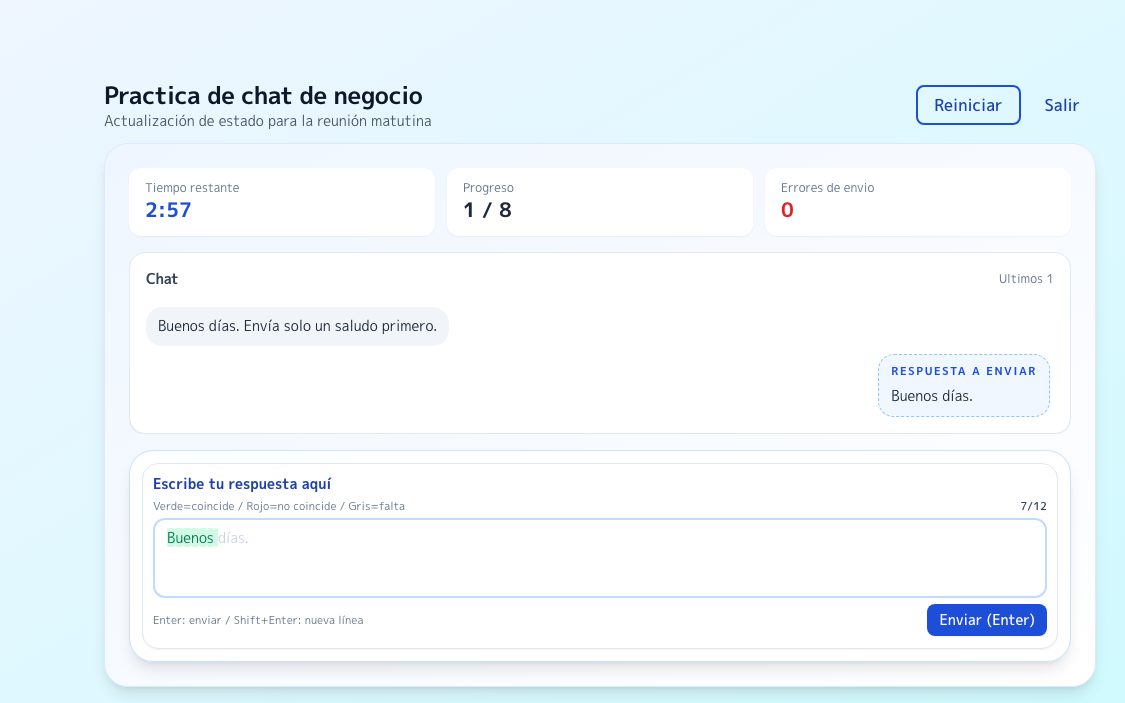
Practica la precisión de envío y salto de línea con mensajes de trabajo.
Probar →
BasePráctica básica de mecanografía
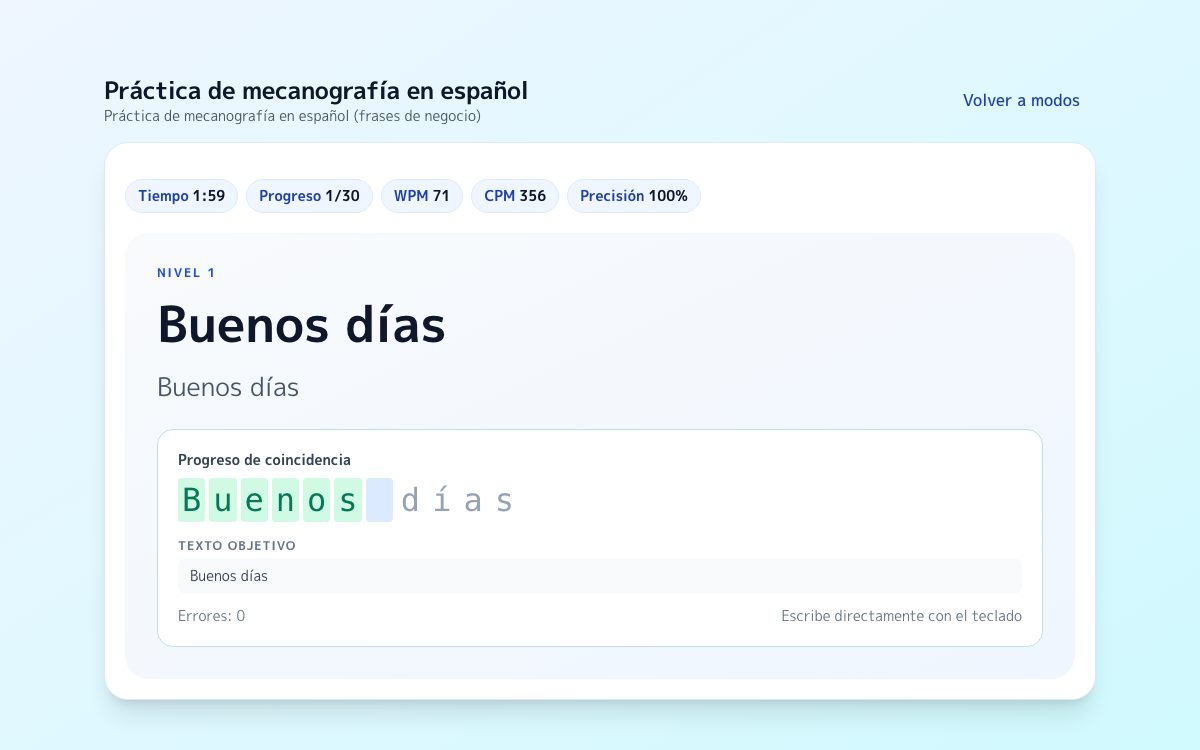
Reordena tu ritmo de escritura antes de pasar a textos laborales más largos.
Probar →
Seguir leyendoGuía de texto largo
Repasa cómo mantener estabilidad con puntuación, saltos de línea y textos largos.
Probar →
Preguntas frecuentes
¿Slack permite cambiar Enter para que inserte una nueva línea?
Sí. Slack permite cambiarlo. Cuando está activado, enviar pasa a ser Ctrl+Enter en Windows/Linux y Command+Enter en Mac.
¿Se puede configurar Teams para que Enter siempre inserte nueva línea?
Teams funciona más como un flujo basado en modos que como una preferencia simple. La redacción estándar envía con Enter; la redacción con formato expandido introduce el envío con Ctrl/Cmd+Enter.
¿Por qué la documentación de Chatwork parece inconsistente?
Las páginas de ayuda actuales de Chatwork no están del todo alineadas. Lo seguro es que Chatwork sí ofrece una configuración de tecla Enter — comprueba el comportamiento activo en tu propio entorno antes de confiar en la memoria muscular.
Fuentes
Slack Help: Set your Enter key preference
Documentación oficial para cambiar Enter entre envío y nueva línea.
Microsoft Support: First things to know about chats in Microsoft Teams
Documenta Enter para enviar y Shift+Enter para nueva línea.
Microsoft Support: Keyboard shortcuts for Microsoft Teams
Lista de referencia para el comportamiento de atajos en el cuadro de redacción de Teams.
Google Chat Help: Use Google Chat keyboard shortcuts
Tabla oficial de atajos: Enter para enviar y Shift+Enter para nueva línea en el cuadro de respuesta.
Chatwork Help: チャットのEnterキー動作を設定する
Explicación oficial de los valores predeterminados de Chatwork y el interruptor de Enter para enviar.